

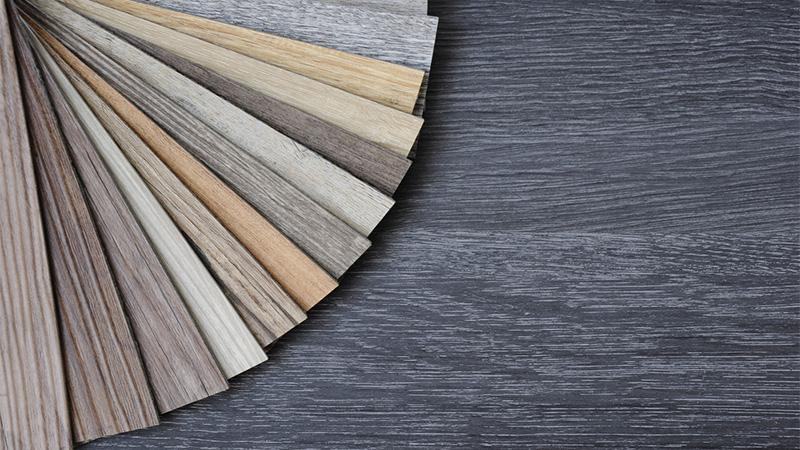
Resaltando la belleza de la madera: secado de chapa con control de humedad
La Punto de Rocío y Temperatura DMP5 Vaisala DRYCAP® está diseñada para la medición de humedad en línea en aplicaciones de secado industrial con…
Nota técnica
The Lynx data logger features a wireless Bluetooth® connection for use with the MadgeTech mobile app through compatible Android and Apple smartphones. While wireless communication can be straightforward, it is always possible that communication issues may occur under certain circumstances.
moreFirst ensure that the MadgeTech mobile app has launched on the smartphone, and that Bluetooth® is enabled for wireless communication. If the Lynx does not communicate with the MadgeTech mobile app at first, it would be necessary to first retrieve the data logger in order to enable wireless communication.
This is done by pressing and holding down the button marked with the Bluetooth® symbol, until the symbol also appears in the upper left corner of the data logger’s screen. If the Lynx does not respond to inputs on its LCD screen, or otherwise does not show the battery life indicator, then it may be necessary to replace the CR2450 battery.
In the MadgeTech mobile app, the Lynx should appear inside of the list of Devices if it has previously been added, regardless of whether or not wireless communication is currently available. However, if the Lynx does not appear in the initial list of devices, open the menu in the top left corner and select (+) Add to scan for available devices, and select the desired Lynx when it appears.
The Lynx has a wireless communication range of approximately 32 ft (10 m) with direct line of sight. If communication difficulties continue, it may be necessary to temporarily move the Lynx from its current location within the operating environment to reestablish communication, in order to download its data.
If the devices are within range of each other, and Bluetooth® is enabled on both devices, then it may be recommended to restart the smartphone before trying to connect once more through the MadgeTech mobile app.
When running Android and repeated attempts to connect to the device fail you can try the following:
If continuing to face issues, please complete the following
Hold down the Bluetooth device until the Bluetooth icon shows on the logger display
Find the logger identifier in the form of:
MT LynxPro SXXXXXX (X… = 5 char serial number of specific logger)
Select the device and select ‘pair’ on the pop-up.
La Punto de Rocío y Temperatura DMP5 Vaisala DRYCAP® está diseñada para la medición de humedad en línea en aplicaciones de secado industrial con…
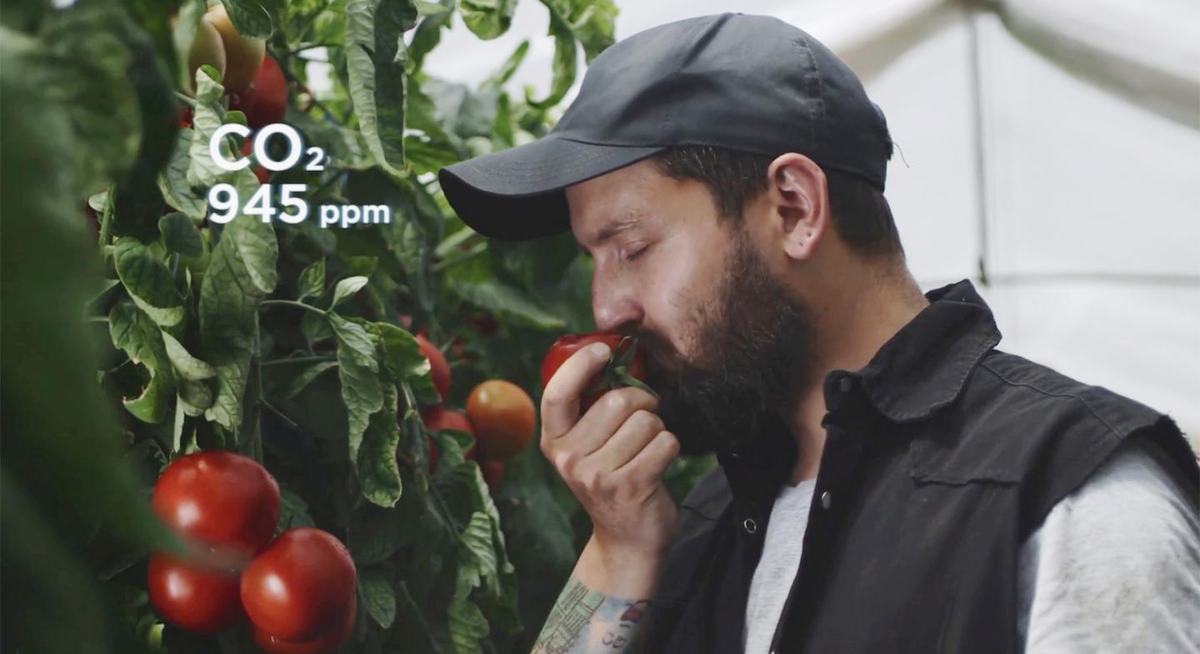
El Dr. Lauri Reuter es una experta en el futuro de los alimentos y la persona a quien preguntar si alguna vez te has preguntado qué vamos a comer en…

Las empresas industriales continúan tomando medidas para minimizar sus emisiones de carbono. Muchos están reduciendo el uso de combustibles fósiles y…
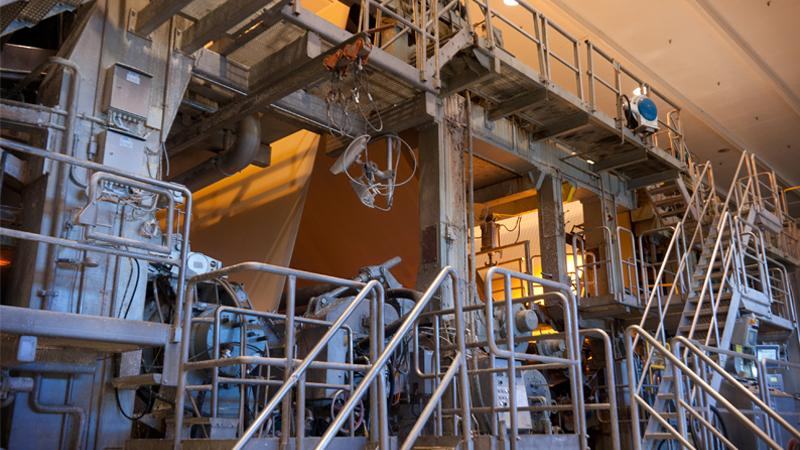
En el proceso de caustificación, los químicos pasivos se convierten en químicos de cocina activos para producir licor blanco. Se utiliza en el…
Un especialista responde con la solución, el instrumento y el servicio que corresponden.
Productos para cotizar
Todavía no hay productos. Se puede escribir igual: un especialista responde.