


Resaltando la belleza de la madera: secado de chapa con control de humedad
La Punto de Rocío y Temperatura DMP5 Vaisala DRYCAP® está diseñada para la medición de humedad en línea en aplicaciones de secado industrial con…
Nota técnica
To display additional data within the same report view, users can add a dataset to a report.
Open the report the dataset will be added to, or select the tab or window for that report.
La Punto de Rocío y Temperatura DMP5 Vaisala DRYCAP® está diseñada para la medición de humedad en línea en aplicaciones de secado industrial con…

El Dr. Lauri Reuter es una experta en el futuro de los alimentos y la persona a quien preguntar si alguna vez te has preguntado qué vamos a comer en…

Las empresas industriales continúan tomando medidas para minimizar sus emisiones de carbono. Muchos están reduciendo el uso de combustibles fósiles y…
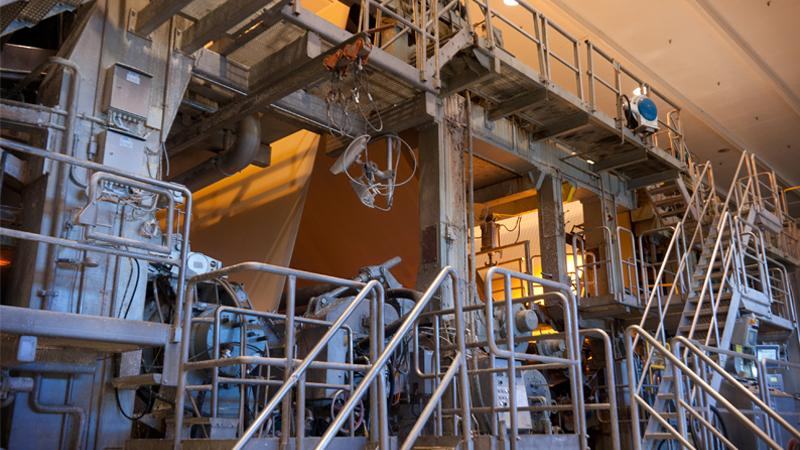
En el proceso de caustificación, los químicos pasivos se convierten en químicos de cocina activos para producir licor blanco. Se utiliza en el…
Un especialista responde con la solución, el instrumento y el servicio que corresponden.
Productos para cotizar
Todavía no hay productos. Se puede escribir igual: un especialista responde.