

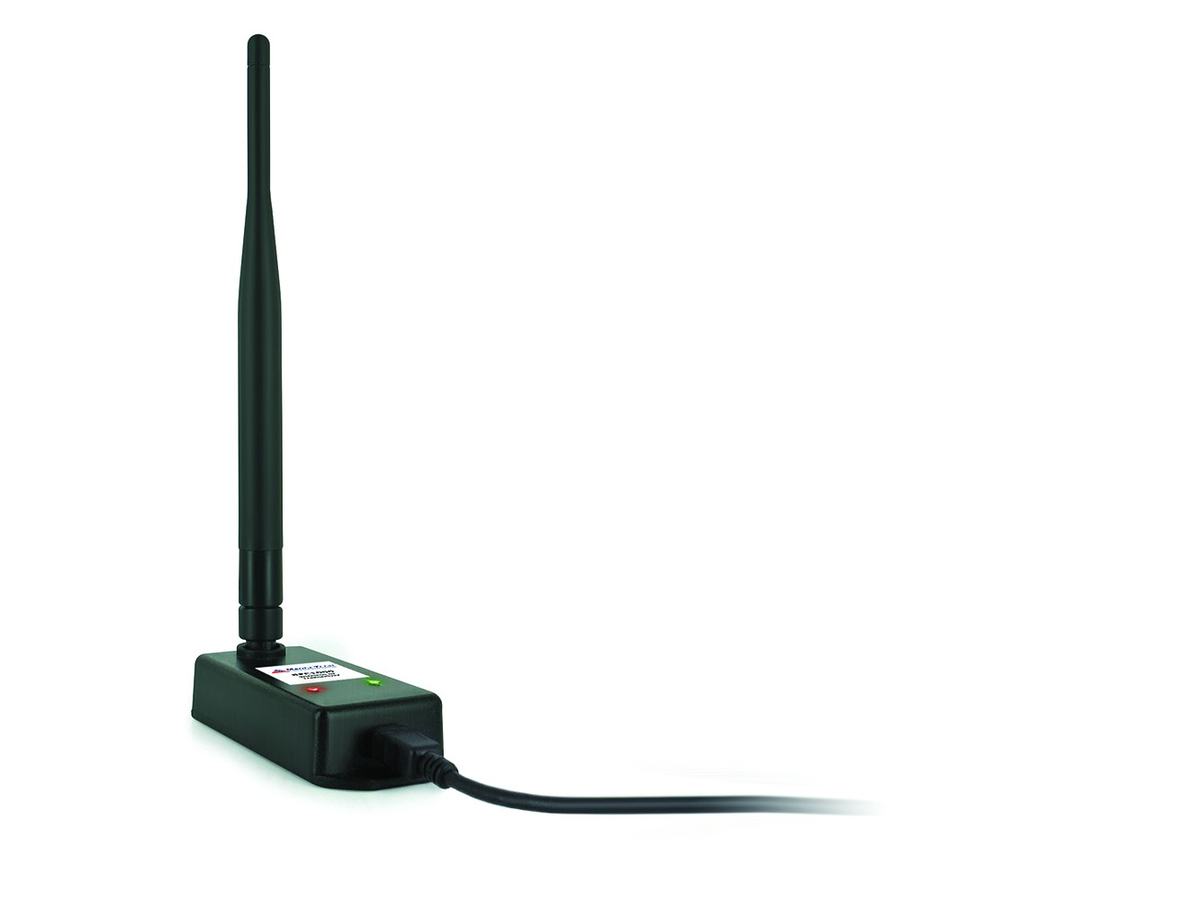
RFC1000 Wireless Transceiver
Wireless transceiver for the RFOT and RF2000A series.
Nota técnica
MadgeTech has released a new version of the USB drivers that are required for the IFC300, IFC400, and RFC1000 interfaces. This update is not required for users who have already installed a previous version of the drivers.
1. Requirements/Prerequisites
2. Installing the Drivers
3. Updating From Version 3.2.0.0
New MadgeTech 4 users who have not previously installed the MadgeTech USB drivers should install version 6.7.2.0. These drivers will require version 4.2.25.0 or later of the free version of MadgeTech 4, or version 4.2.24.0 or later of MadgeTech 4 Secure.
For existing users who have already installed the MadgeTech USB drivers, it is not required to update. The legacy drivers will continue to work with the updated software versions, as well as all MadgeTech logger models that are compatible with the MadgeTech 4 software.
Prior to installing the drivers, it is recommended to close MadgeTech 4 (or MadgeTech 4 Secure), and disconnect all MadgeTech interfaces from the computer’s USB ports until the installation is complete.
Note: Restarting the PC is required to complete the installation.
For users who have already installed a previous version of the MadgeTech USB drivers, it is not required to update to the new version. However, it is certainly possible to do so. The process for updating the MadgeTech USB drivers will be the same as the process for a new installation that is described above, although there are a few additional steps that may be required.
After following the installation procedure above and rebooting the PC, the driver version can be verified in the File–>Options–>About menu. For the new drivers, the USB driver version should appear as WinUSB. The legacy drivers should show a USB driver version of 3.2.0.0.
If the software continues to display the old version number after updating, or if no loggers appear in the Connected Devices panel of MadgeTech 4 after the update, the following steps should help to resolve the issue.
First, uninstall the old MadgeTech drivers. Type Add or Remove Programs in the Windows Start Menu, and then click on the entry in the start menu to open the application. In the Add or Remove Programs menu, left-click on the entry for Datalogger Interface (Driver Removal) to expand the entry, and then click Uninstall.
Next, open the Windows File Explorer and navigate to the following folder:
C:\Windows\System32\drivers
In this folder, locate the file name SiUSBXp.sys, and delete, rename, or remove the file from this folder. If renaming the file, it is recommended to use a name that will allow the file to be identified at a later date, but will still prevent the drivers from recognizing the file; for example, SiUSBXp.sys.ARCHIVE. After completing this step, reboot the PC, and the software should then recognize any connected loggers, and show the correct driver version in the File–>Options–>About menu.
Wireless transceiver for the RFOT and RF2000A series.
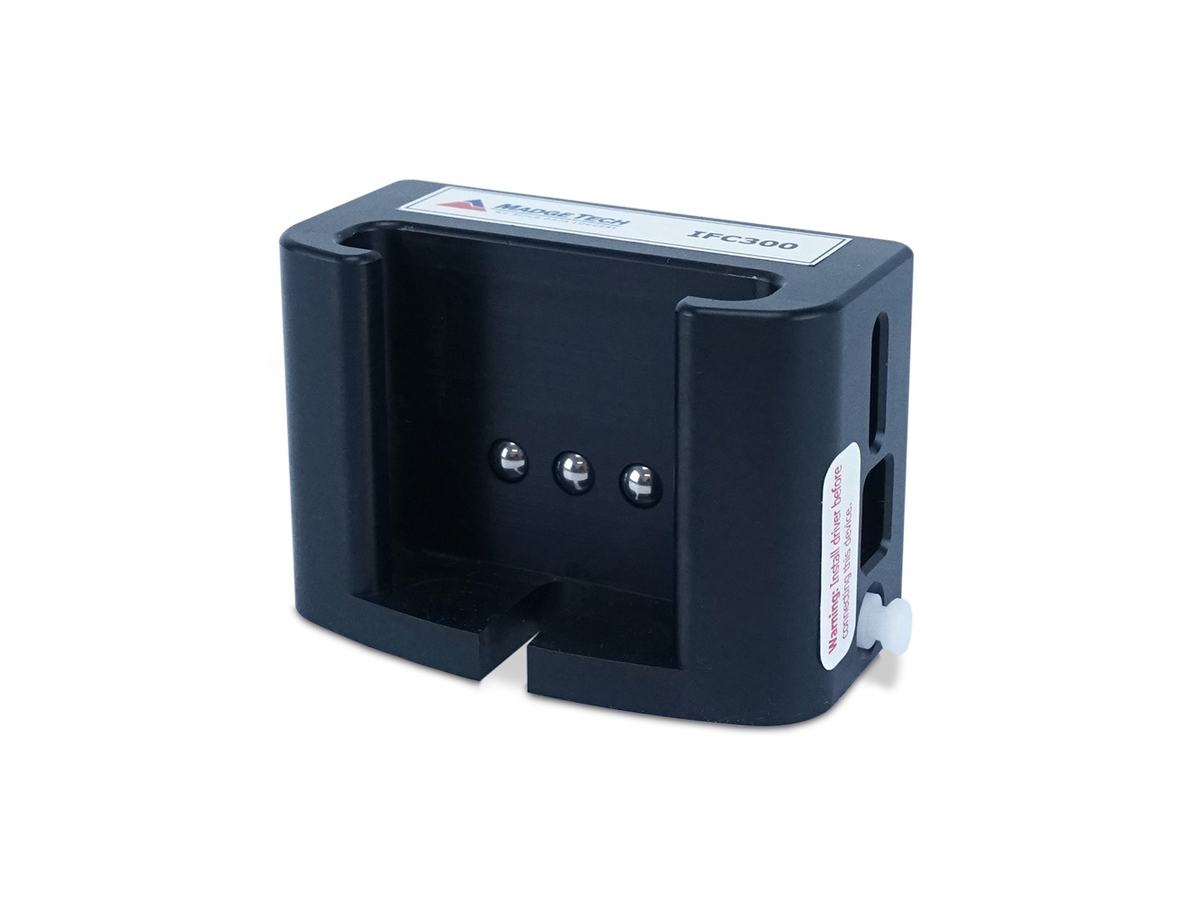
Interface Cable Package for the LyoTemp, TransiTempII and CryoTemp Series Data Loggers.
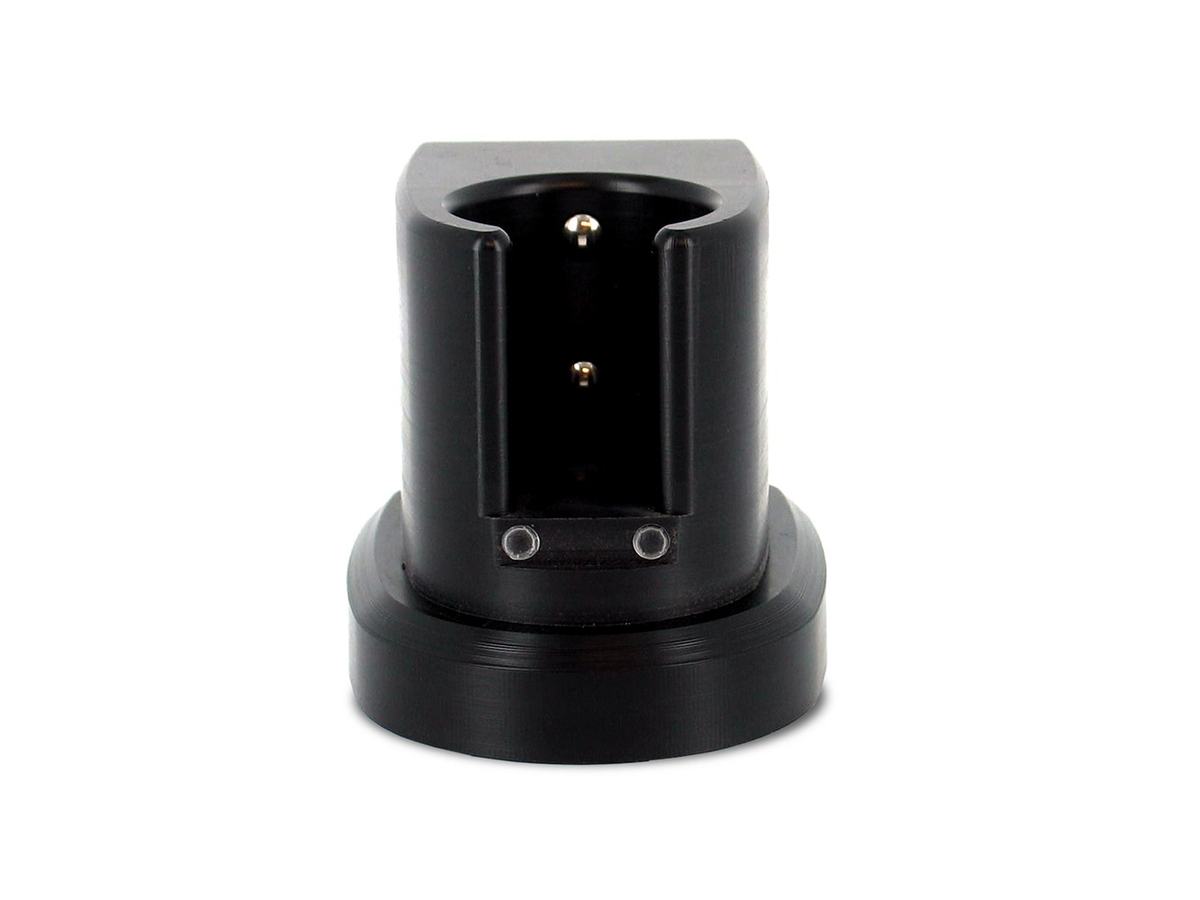
Interface Cable Package for the HiTemp140 and PR140 Data Loggers.
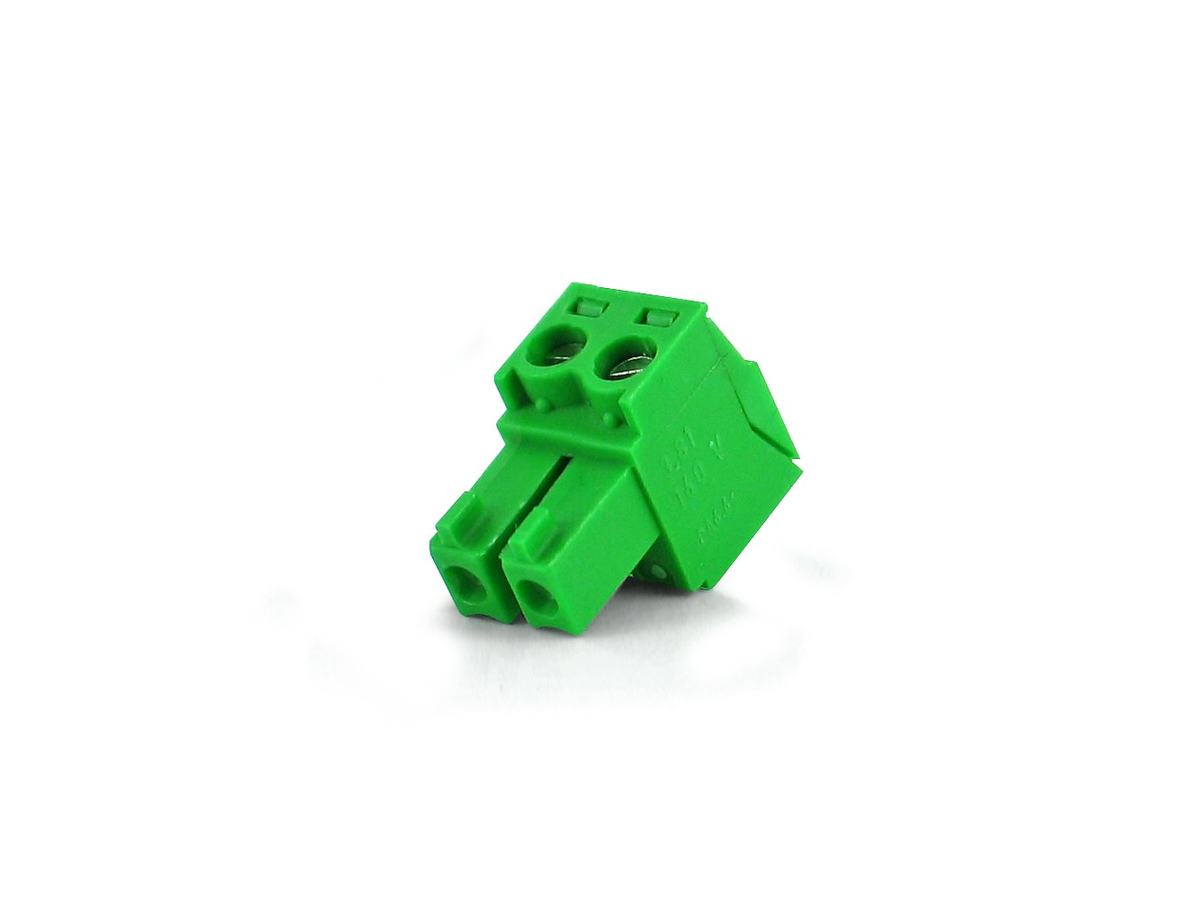
2 position, pluggable terminal block for use with MadgeTech data loggers.
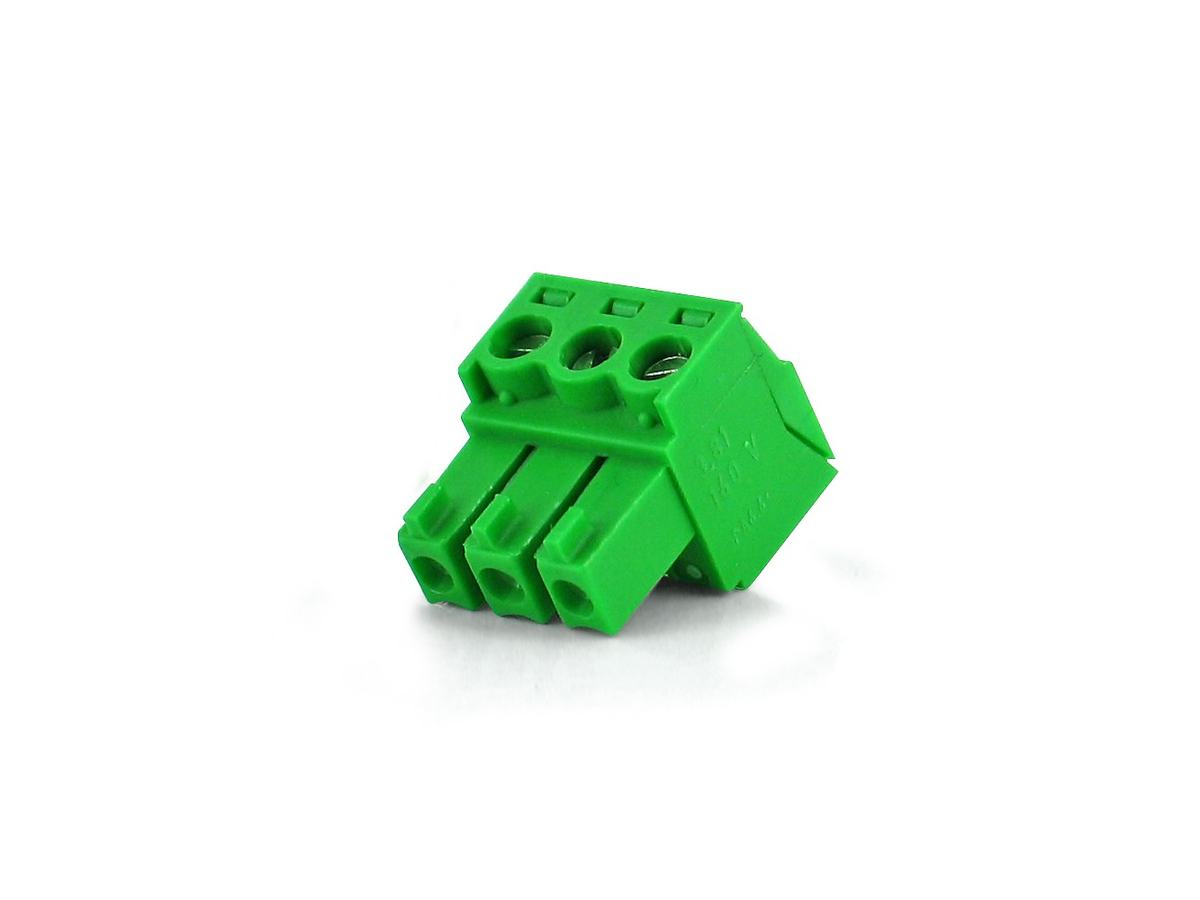
3 position pluggable terminal block for use with MadgeTech data loggers.
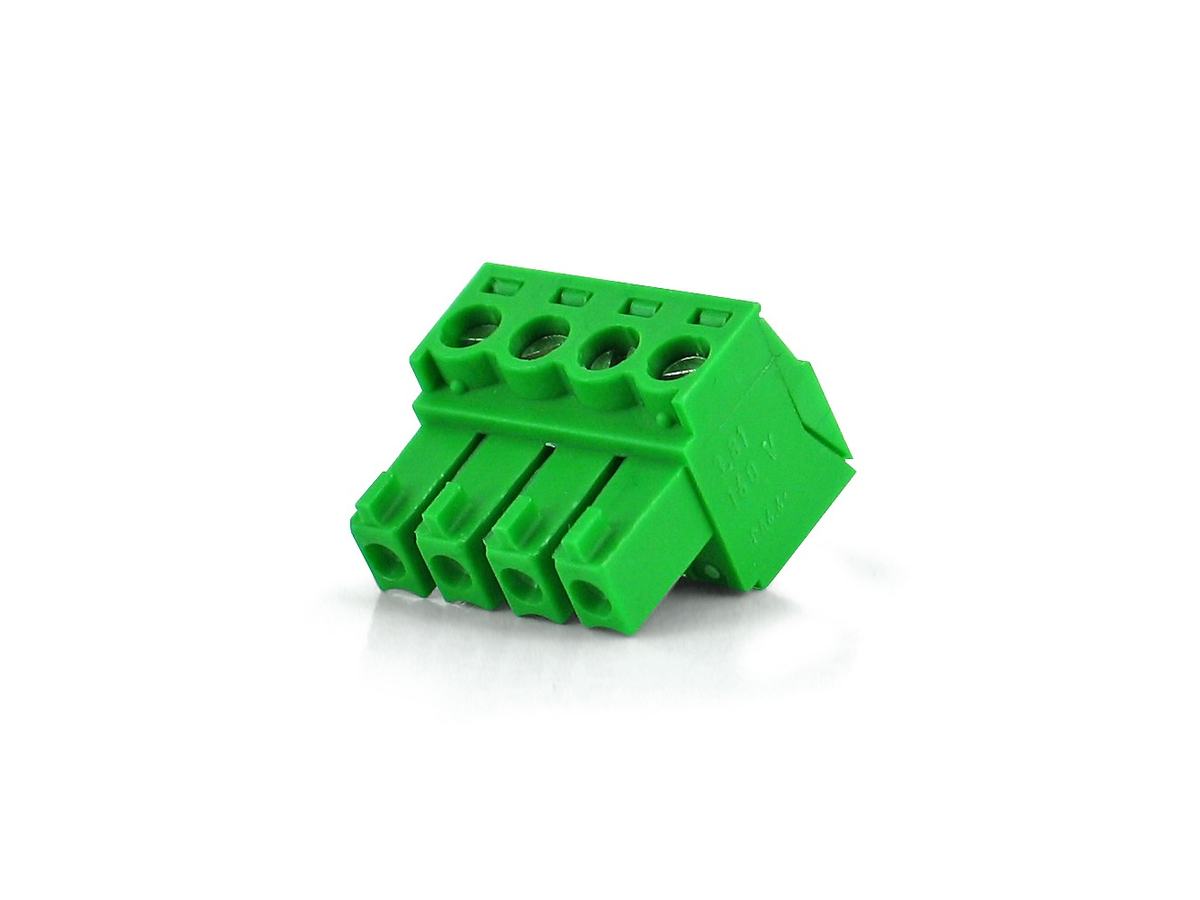
4 position pluggable terminal block for use with MadgeTech data loggers.

A sonda de temperatura e ponto de orvalho DMP5 Vaisala DRYCAP® foi desenvolvida para medição de umidade em linha em aplicações de secagem industrial…

Lauri Reuter é um especialista no futuro da alimentação e a pessoa certa para perguntar se você já se perguntou o que comeremos no futuro e como toda…

As empresas industriais continuam a tomar medidas para minimizar as suas emissões de carbono. Muitos estão a reduzir a utilização de combustíveis…
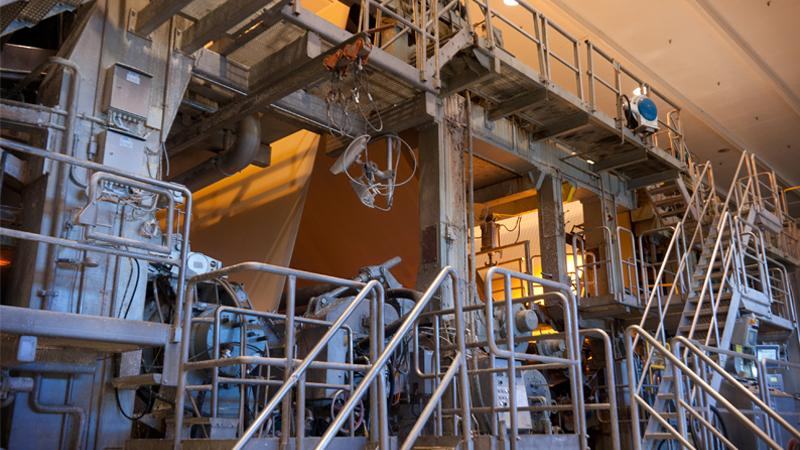
No processo de caustificação, os produtos químicos passivos são convertidos em produtos químicos ativos para cozinhar para produzir licor branco…
Um especialista responde com a solução, o instrumento e o serviço adequados.
Produtos para cotar
Ainda não há produtos. É possível escrever mesmo assim: um especialista responde.