


Resaltando la belleza de la madera: secado de chapa con control de humedad
La Punto de Rocío y Temperatura DMP5 Vaisala DRYCAP® está diseñada para la medición de humedad en línea en aplicaciones de secado industrial con…
Nota técnica
Trigger settings restrict data loggers from recording until thresholds are reached or exceeded. These thresholds are called trigger start setpoints, and can be configured through the data logger’s Properties menu, under Trigger.
Trigger start setpoints are user-defined values that can be either high or low. For each independent trigger setpoint, the data logger will not record data until the channel measures:
Greater than or equal to ( ≥ ) the [start] high trigger setpoint.
Less than or equal to ( ≤ ) the [start] low trigger setpoint.
While this starting principal applies to both the Window and Two Point modes, there are some subtle differences between the two.
Download any data from the data logger before changing the device settings to ensure any critical data is not erased. Select the data logger inside Connected devices, open the Properties menu, and select Trigger. Select the desired Trigger Mode, either Window or Two Point, and enable the desired trigger options. Enter the desired setpoint value for the enabled triggers, and then click Apply. The trigger settings will be saved to the data logger, which can be started normally using one of the normal start options.
When the device is started, and the trigger setpoint value has not been reached, the status of the data logger will appear as Waiting for trigger in the software. Once the setpoint value has been achieved, the status will change to Triggered to signify the recording process has begun, and the Readings column will display the total number of trigger events in parenthesis next to the reading count.
Tip: Properties settings can be saved as a template and quickly applied to multiple data loggers. To save the settings as a template, click the Save button on the bottom left and enter a template name when prompted. To apply a template , open each data loggers Properties menu, select the desired template name, and then click Apply.La Punto de Rocío y Temperatura DMP5 Vaisala DRYCAP® está diseñada para la medición de humedad en línea en aplicaciones de secado industrial con…

El Dr. Lauri Reuter es una experta en el futuro de los alimentos y la persona a quien preguntar si alguna vez te has preguntado qué vamos a comer en…

Las empresas industriales continúan tomando medidas para minimizar sus emisiones de carbono. Muchos están reduciendo el uso de combustibles fósiles y…
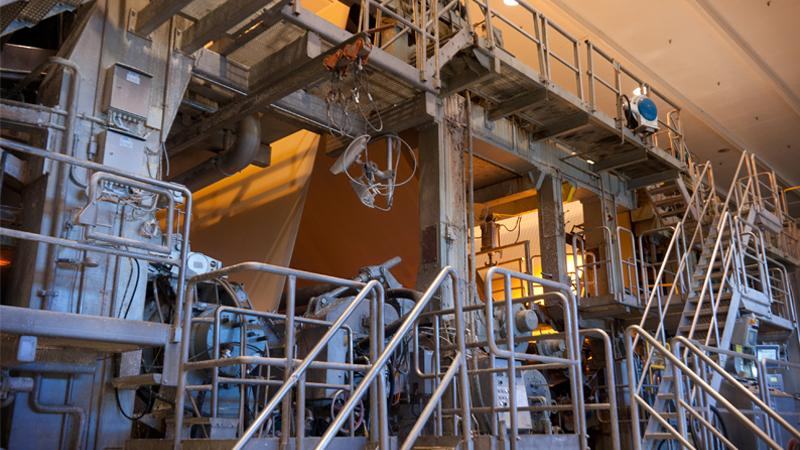
En el proceso de caustificación, los químicos pasivos se convierten en químicos de cocina activos para producir licor blanco. Se utiliza en el…
Un especialista responde con la solución, el instrumento y el servicio que corresponden.
Productos para cotizar
Todavía no hay productos. Se puede escribir igual: un especialista responde.