


Bringing out the beauty of wood: Veneer drying with humidity control
Vaisala DRYCAP® Dew Point and Temperature Probe DMP5 is designed for in-line humidity measurement in industrial drying applications with high…
Technical note
Trigger settings restrict data loggers from recording until thresholds are reached or exceeded. These thresholds are called trigger start setpoints, and can be configured through the data logger’s Properties menu, under Trigger.
Trigger start setpoints are user-defined values that can be either high or low. For each independent trigger setpoint, the data logger will not record data until the channel measures:
Greater than or equal to ( ≥ ) the [start] high trigger setpoint.
Less than or equal to ( ≤ ) the [start] low trigger setpoint.
While this starting principal applies to both the Window and Two Point modes, there are some subtle differences between the two.
Download any data from the data logger before changing the device settings to ensure any critical data is not erased. Select the data logger inside Connected devices, open the Properties menu, and select Trigger. Select the desired Trigger Mode, either Window or Two Point, and enable the desired trigger options. Enter the desired setpoint value for the enabled triggers, and then click Apply. The trigger settings will be saved to the data logger, which can be started normally using one of the normal start options.
When the device is started, and the trigger setpoint value has not been reached, the status of the data logger will appear as Waiting for trigger in the software. Once the setpoint value has been achieved, the status will change to Triggered to signify the recording process has begun, and the Readings column will display the total number of trigger events in parenthesis next to the reading count.
Tip: Properties settings can be saved as a template and quickly applied to multiple data loggers. To save the settings as a template, click the Save button on the bottom left and enter a template name when prompted. To apply a template , open each data loggers Properties menu, select the desired template name, and then click Apply.Vaisala DRYCAP® Dew Point and Temperature Probe DMP5 is designed for in-line humidity measurement in industrial drying applications with high…

Dr. Lauri Reuter is an expert in the future of food, and the person to ask if you’ve ever wondered what we are going to eat in the future, and how…

Industrial companies are continuing to take action to minimize their carbon emissions. Many are reducing their use of fossil fuels and switching to…
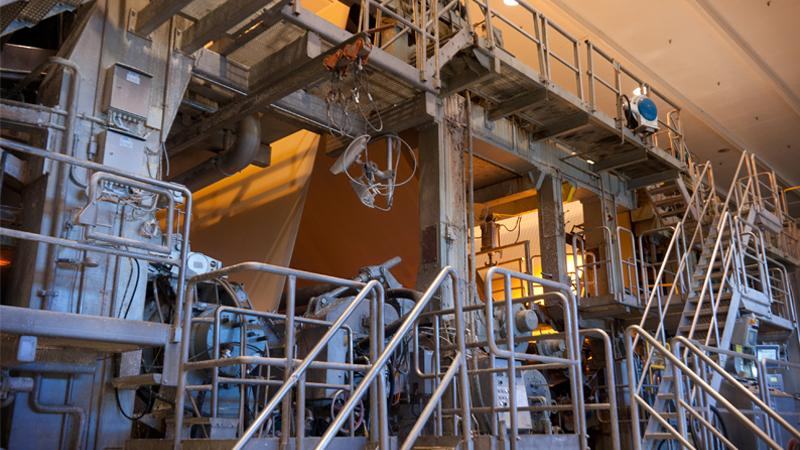
In the causticizing process, passive chemicals are converted into active cooking chemicals to make white liquor. This is used in the digester as a…
A specialist replies with the solution, the instrument and the service that fit.
Products to quote
No products yet. An enquiry can be sent anyway: a specialist answers.