

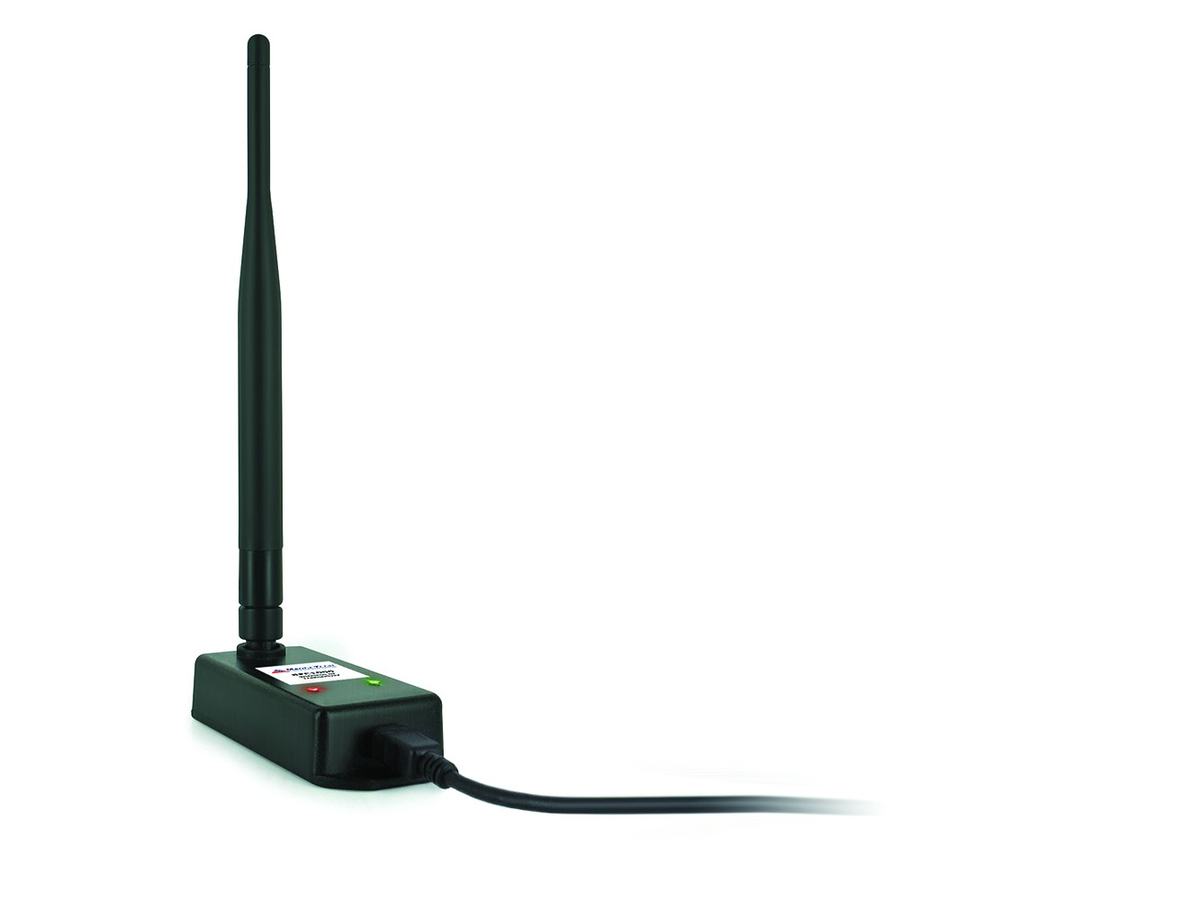
RFC1000 Wireless Transceiver
Wireless transceiver for the RFOT and RF2000A series.
Technical note
Cloud Service accounts are able to claim RFC1000 Cloud Relays, which in turn can claim wireless data loggers for cloud based data logging and monitoring. The Cloud Service provides the tools necessary for users to claim their relays and wireless devices all in one convenient website.
First, plug the RFC1000 Cloud Relay into its power supply and Ethernet port. Once connected, the Cloud and Com LEDs will flash until the Com LED turns solid green. The Cloud LED may blink green until claimed on the Cloud Service account, at which point it will also turn solid green.
To claim an RFC1000 Cloud Relay to a Cloud Service account, first Login to the Cloud Service. If this is the first time setting up an account, please use the Create an Account button that appears on the login page. Once the account information has been entered, check the inbox and spam folders of associated email address for a confirmation email, which will allow the account to be activated. Once the account has been activated, login to the service to begin.
After logging into the Cloud Service, click the menu icon in the top left corner of the Summary banner to access the menu, then click Manage Relays to navigate to Relay Management. To claim the RFC1000 Cloud Relay to the account in Relay Management, click the Claim a Relay button and enter the Relay Serial Number and Relay Claim Key printed on the side of the Cloud Relay, and then click the Claim button to claim the RFC1000 Cloud Cloud Relay to the account.
Now that the RFC1000 Cloud Relay is claimed to the account, it should appear under My Relays. Click on the RFC1000 Cloud Relay to reveal the Manage Relay page. By clicking on the Unclaimed Loggers section, any available unclaimed wireless data loggers within range of the RFC1000 wireless network should appear, and can be claimed by clicking the Claim button. If wireless data loggers do not appear after a few minutes, please make sure that the data logger’s wireless mode is ‘ON’ and that the data loggers are within range of the wireless network.
Wireless transceiver for the RFOT and RF2000A series.
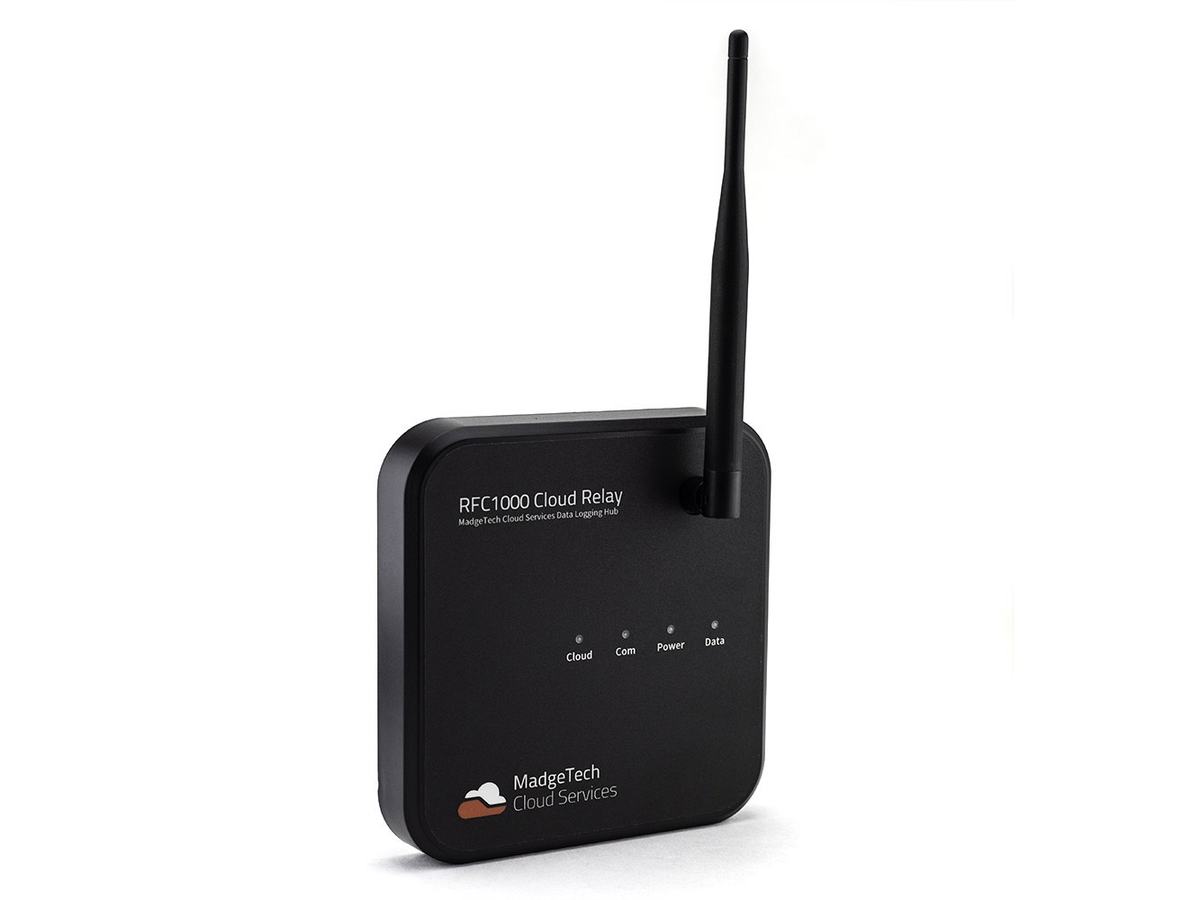
MadgeTech Cloud Services data logging hub for use with the RFOT and RF2000A series.
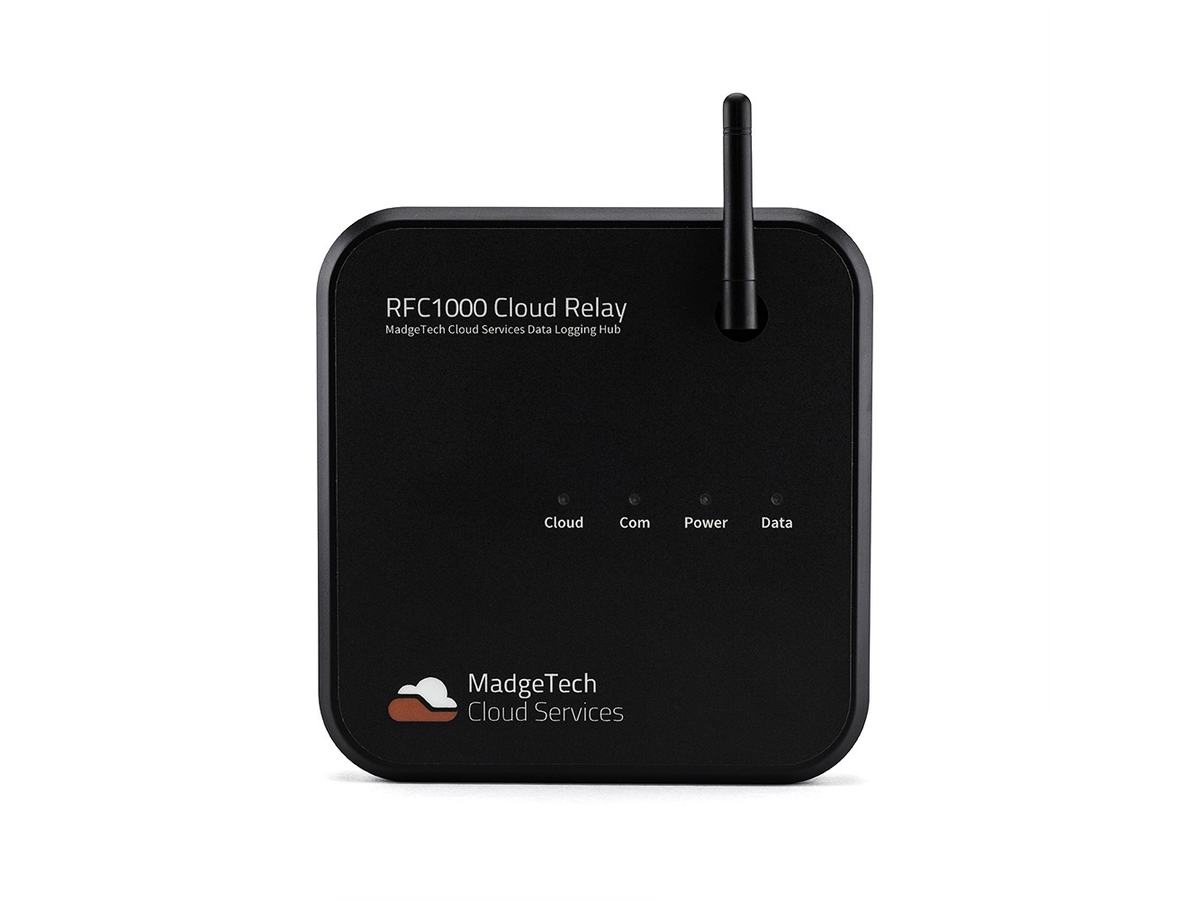
MadgeTech Cloud Services data logging hub for use with the RFOT and RF2000A series.
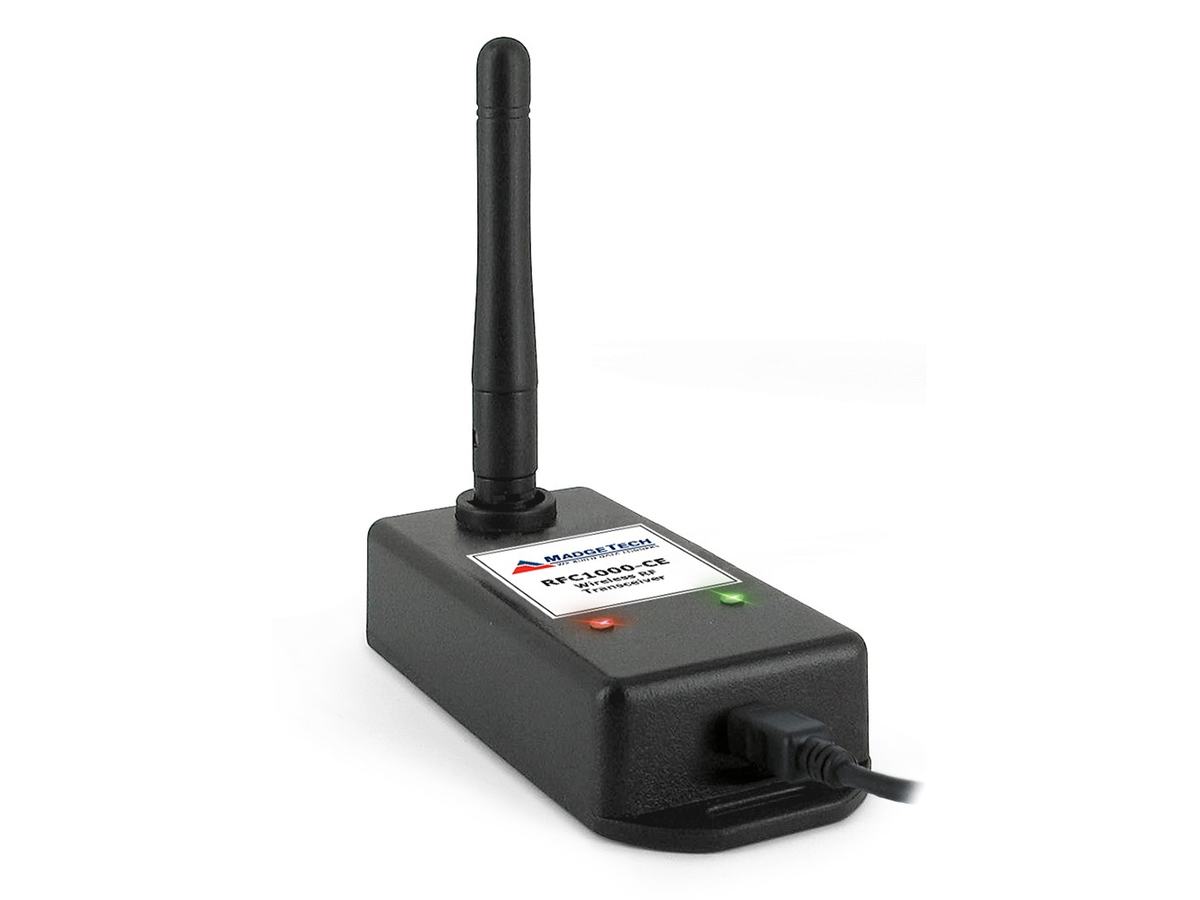
Wireless transceiver for the RFOT and RF2000A series.
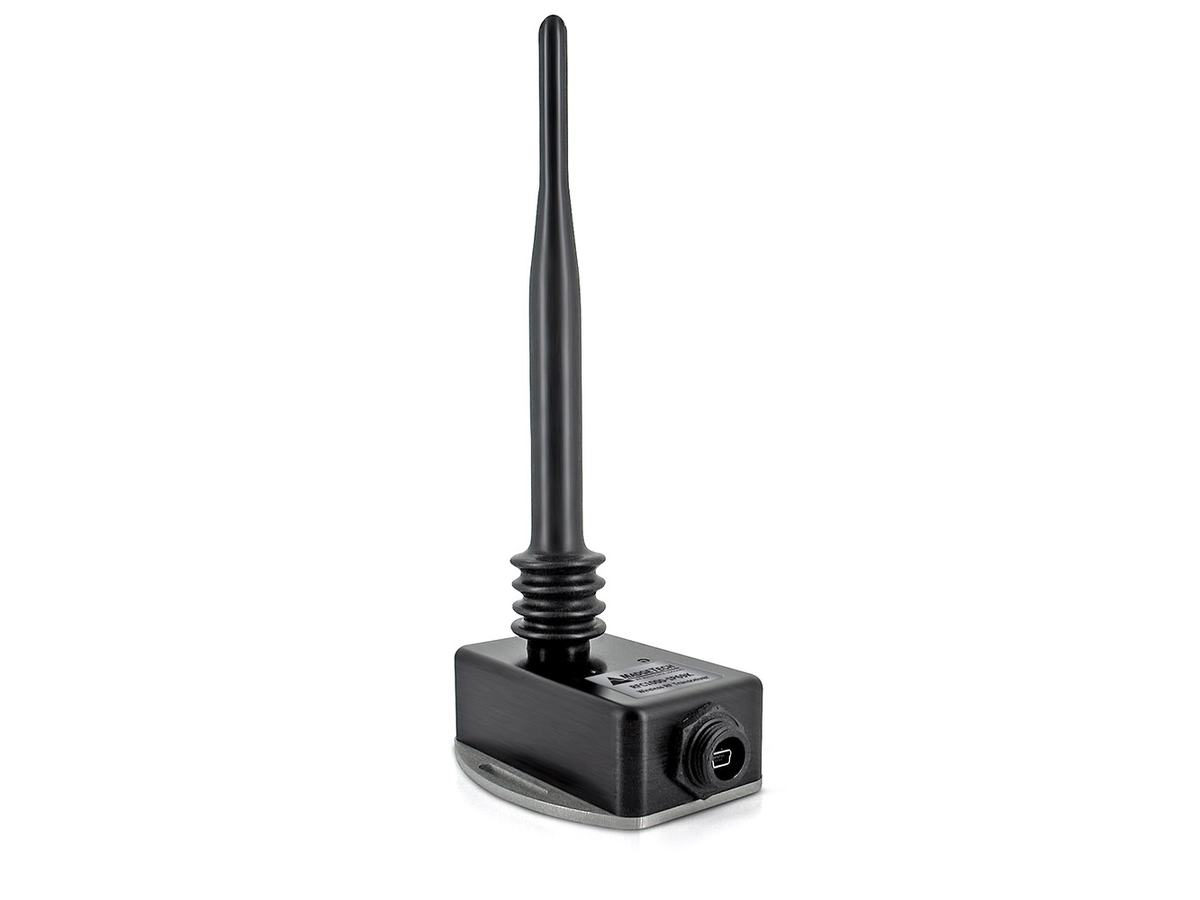
Splash proof wireless transceiver for RFOT and RF2000A series.

Vaisala DRYCAP® Dew Point and Temperature Probe DMP5 is designed for in-line humidity measurement in industrial drying applications with high…

Dr. Lauri Reuter is an expert in the future of food, and the person to ask if you’ve ever wondered what we are going to eat in the future, and how…

Industrial companies are continuing to take action to minimize their carbon emissions. Many are reducing their use of fossil fuels and switching to…
In the causticizing process, passive chemicals are converted into active cooking chemicals to make white liquor. This is used in the digester as a…
A specialist replies with the solution, the instrument and the service that fit.
Products to quote
No products yet. An enquiry can be sent anyway: a specialist answers.