


Bringing out the beauty of wood: Veneer drying with humidity control
Vaisala DRYCAP® Dew Point and Temperature Probe DMP5 is designed for in-line humidity measurement in industrial drying applications with high…
Technical note
The standard method of saving reports is to save to the MadgeTech 4 internal File Database:
To save reports as individual files outside of the software, which can be shared, use the following method:
To share files in MadgeTech 4 Secure Software, all PC’s require a Secure Software license.
Vaisala DRYCAP® Dew Point and Temperature Probe DMP5 is designed for in-line humidity measurement in industrial drying applications with high…
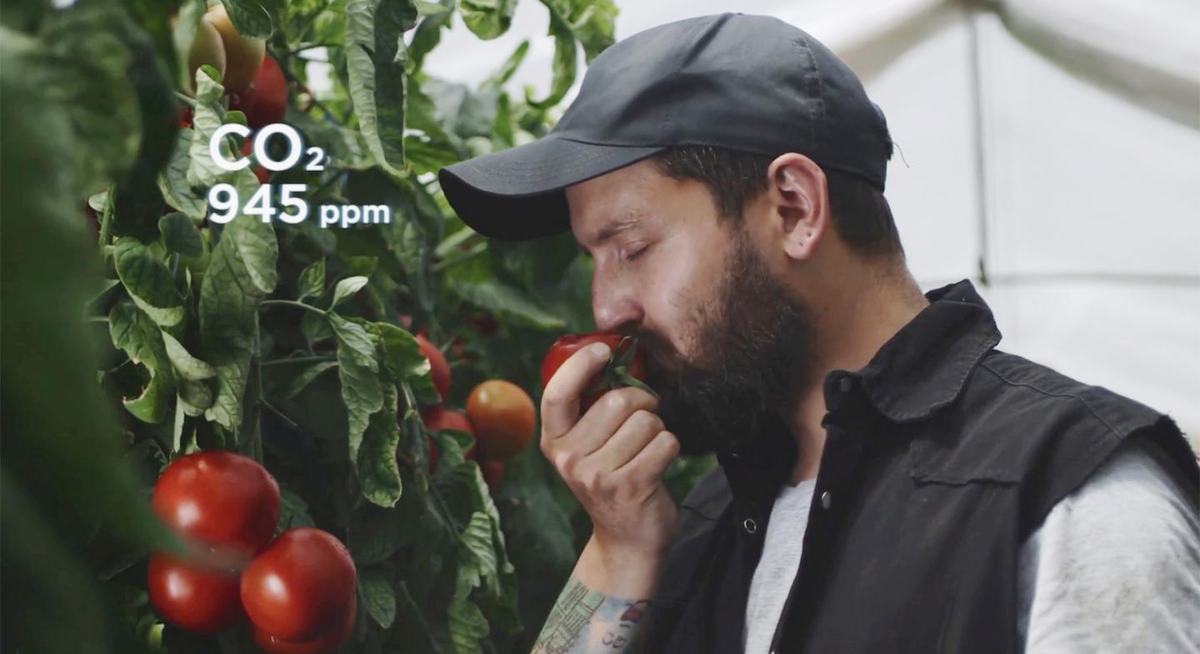
Dr. Lauri Reuter is an expert in the future of food, and the person to ask if you’ve ever wondered what we are going to eat in the future, and how…

Industrial companies are continuing to take action to minimize their carbon emissions. Many are reducing their use of fossil fuels and switching to…
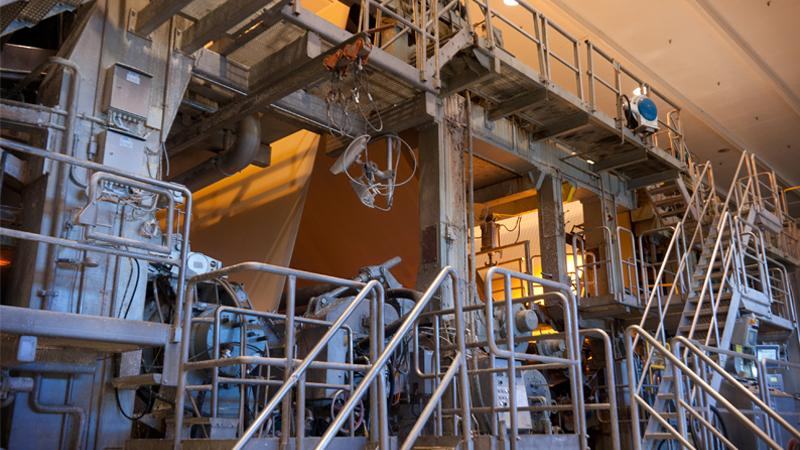
In the causticizing process, passive chemicals are converted into active cooking chemicals to make white liquor. This is used in the digester as a…
A specialist replies with the solution, the instrument and the service that fit.
Products to quote
No products yet. An enquiry can be sent anyway: a specialist answers.