

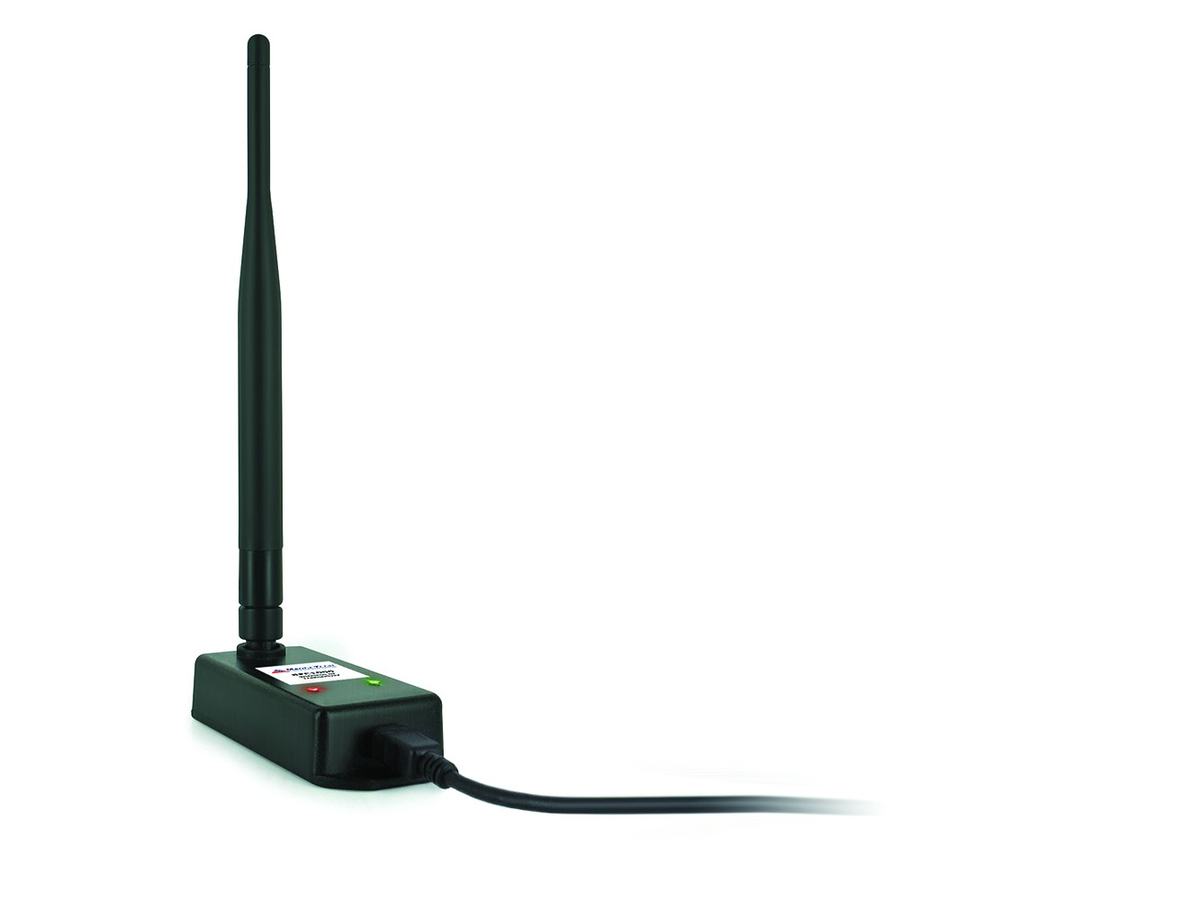
RFC1000 Wireless Transceiver
Wireless transceiver for the RFOT and RF2000A series.
Technical note
The following applies to the IFC203, IFC300, IFC400, RFC1000, and original “converter box” style of IFC200. It does not apply to current the “flash drive” style of IFC200.
The standard method of installing the USB drivers is to run the “PreInstaller.exe” USB driver installation utility before plugging in the IFC. Locate the PreInstaller on the MadgeTech installation flash drive, or download the USB driver zip from the software download page. If a message is appearing saying that an Administrator has Blocked You from running the PreInstaller, first review and attempt the instructions in the following article: “Administrator has Blocked You” USB installation error | MadgeTech
If the PreInstaller will not run or crashing without installing and the Run.bat instructions from the “Administrator has Blocked You” article have not resolved the issue, install the USB drivers manually using the following instructions:
Plug in the IFC, and locate it in Device Manager. To open Device Manager, go to the Start Menu, right click on Computer (or This PC in Windows 10), and select Manage. In the left column of the Computer Management window, select Device Manager.
After selecting Device Manager in the left column, a list of devices will appear in the right column. If the USB drivers for the data logger interface have not been installed properly, it will typically appear as an item in Other Devices with an exclamation point or a question mark. This is usually called Unknown Device, USB Docking Station, or something similar. Right click on this item and click properties. In the following window, click the driver tab and select Update Driver. The next steps will vary based on the version of windows.
Windows 7 and 10:At this point the driver should be correctly installed. A software or computer restart may also be required before the data logger will be recognized.
Wireless transceiver for the RFOT and RF2000A series.
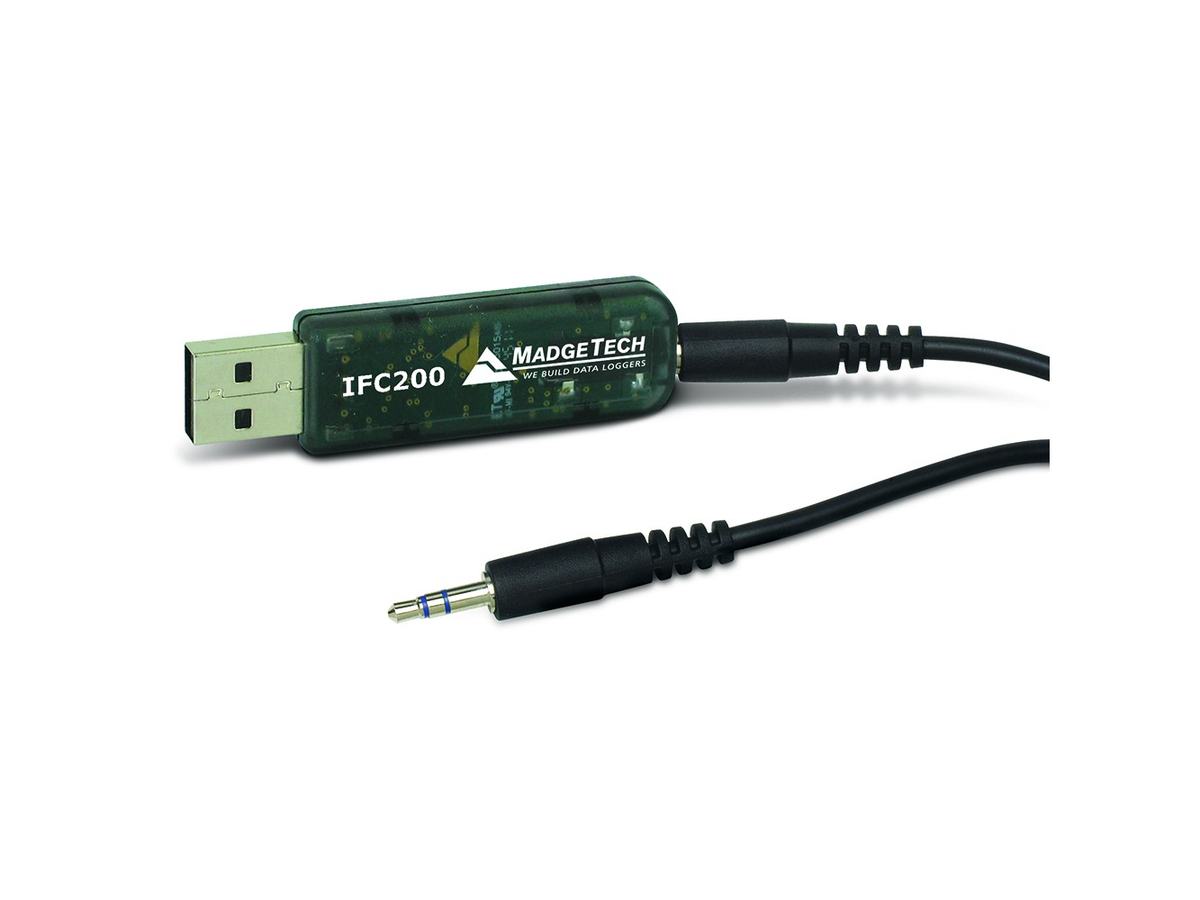
USB Interface Cable Package for Standard Series Data Loggers.
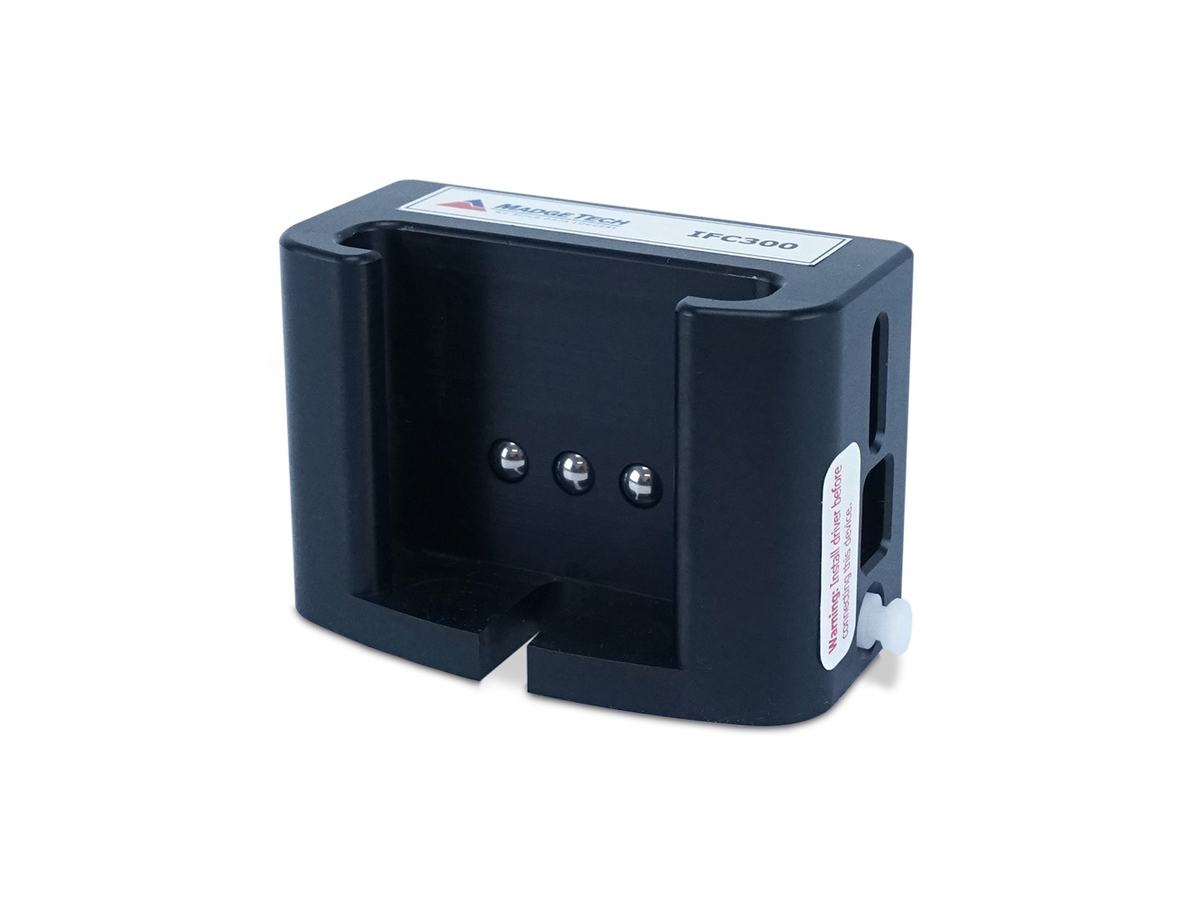
Interface Cable Package for the LyoTemp, TransiTempII and CryoTemp Series Data Loggers.
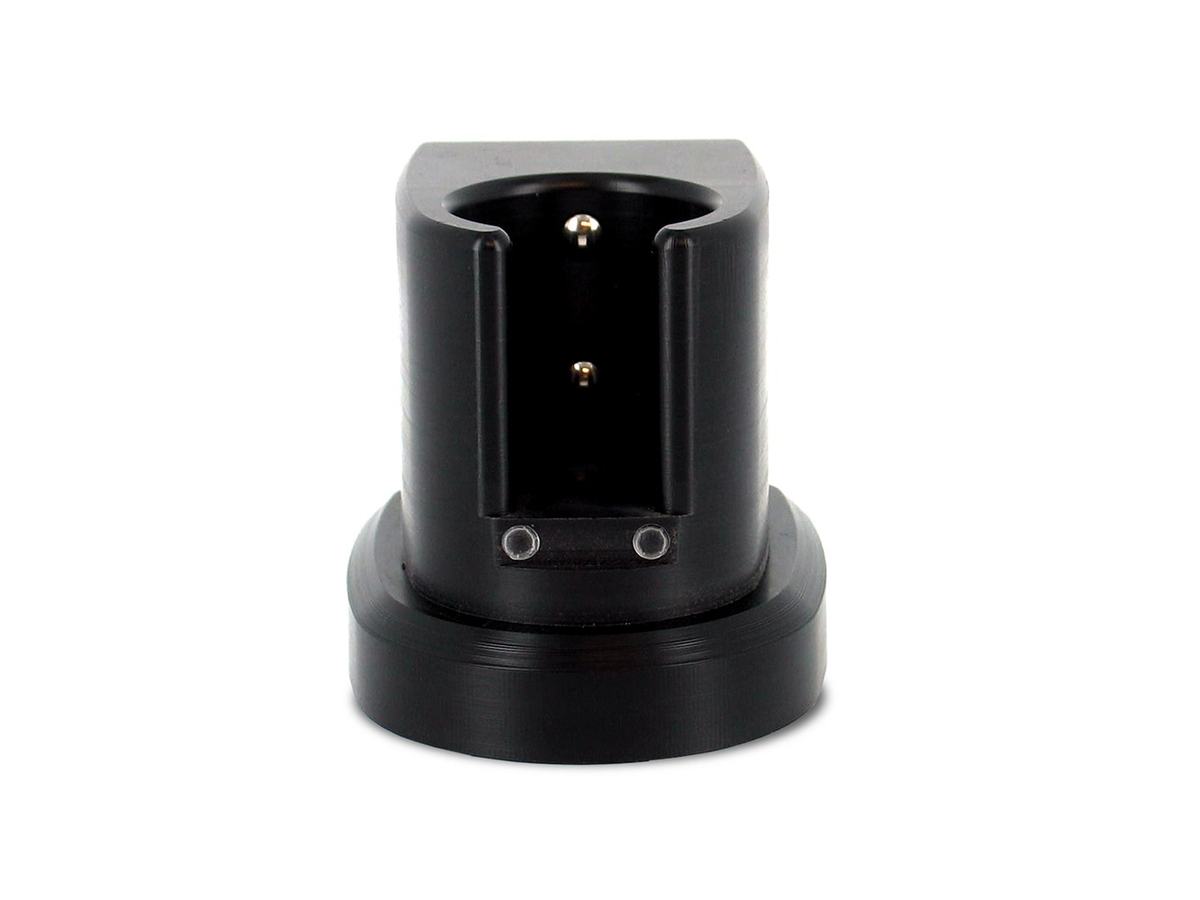
Interface Cable Package for the HiTemp140 and PR140 Data Loggers.
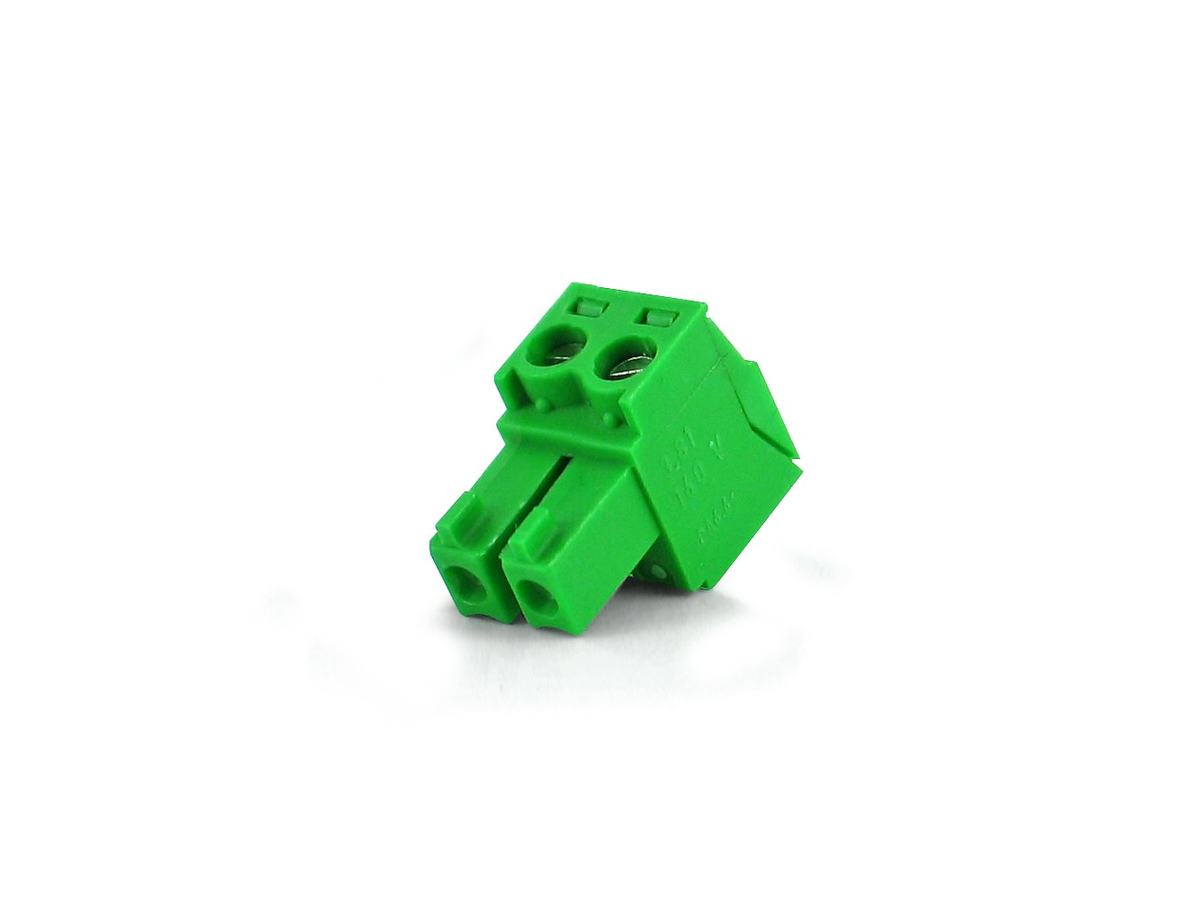
2 position, pluggable terminal block for use with MadgeTech data loggers.
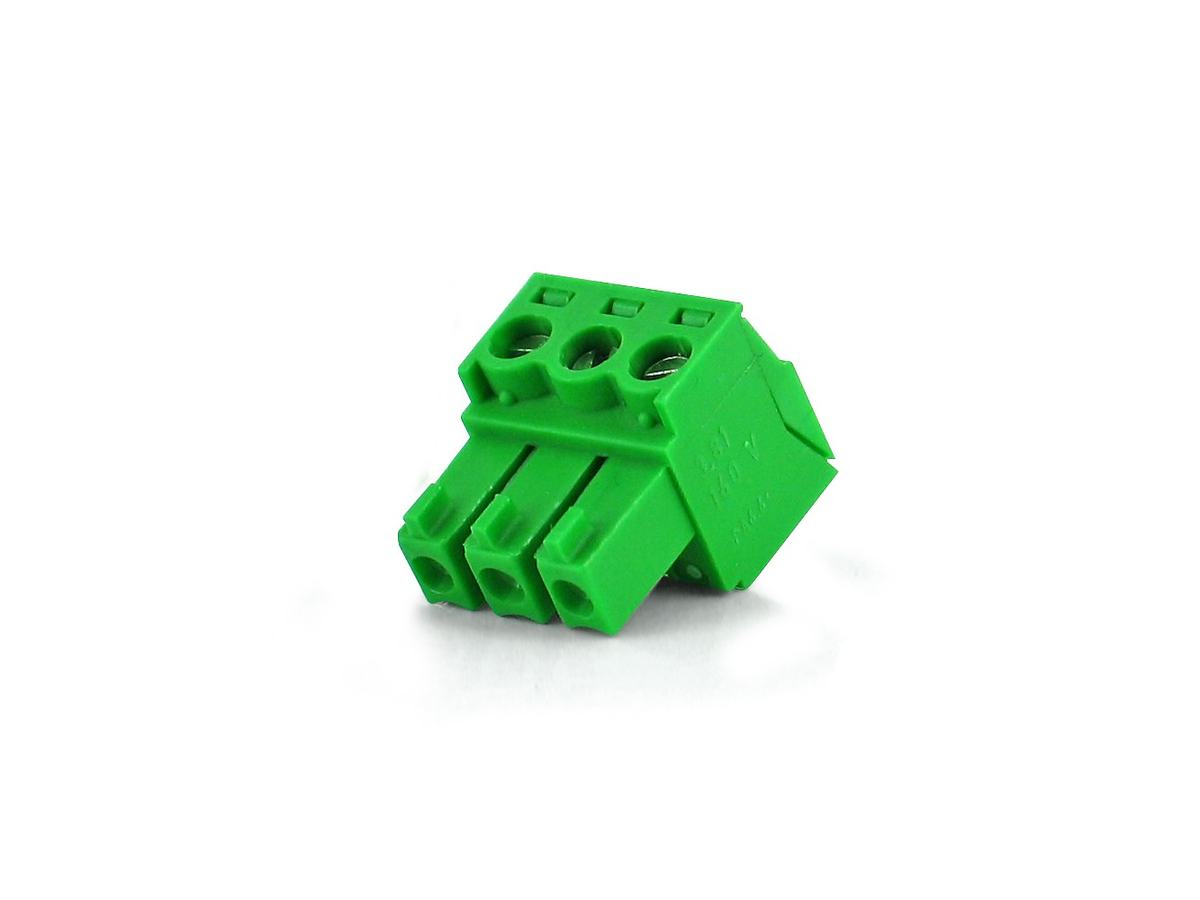
3 position pluggable terminal block for use with MadgeTech data loggers.

Vaisala DRYCAP® Dew Point and Temperature Probe DMP5 is designed for in-line humidity measurement in industrial drying applications with high…

Dr. Lauri Reuter is an expert in the future of food, and the person to ask if you’ve ever wondered what we are going to eat in the future, and how…

Industrial companies are continuing to take action to minimize their carbon emissions. Many are reducing their use of fossil fuels and switching to…
In the causticizing process, passive chemicals are converted into active cooking chemicals to make white liquor. This is used in the digester as a…
A specialist replies with the solution, the instrument and the service that fit.
Products to quote
No products yet. An enquiry can be sent anyway: a specialist answers.