Modes of Operation
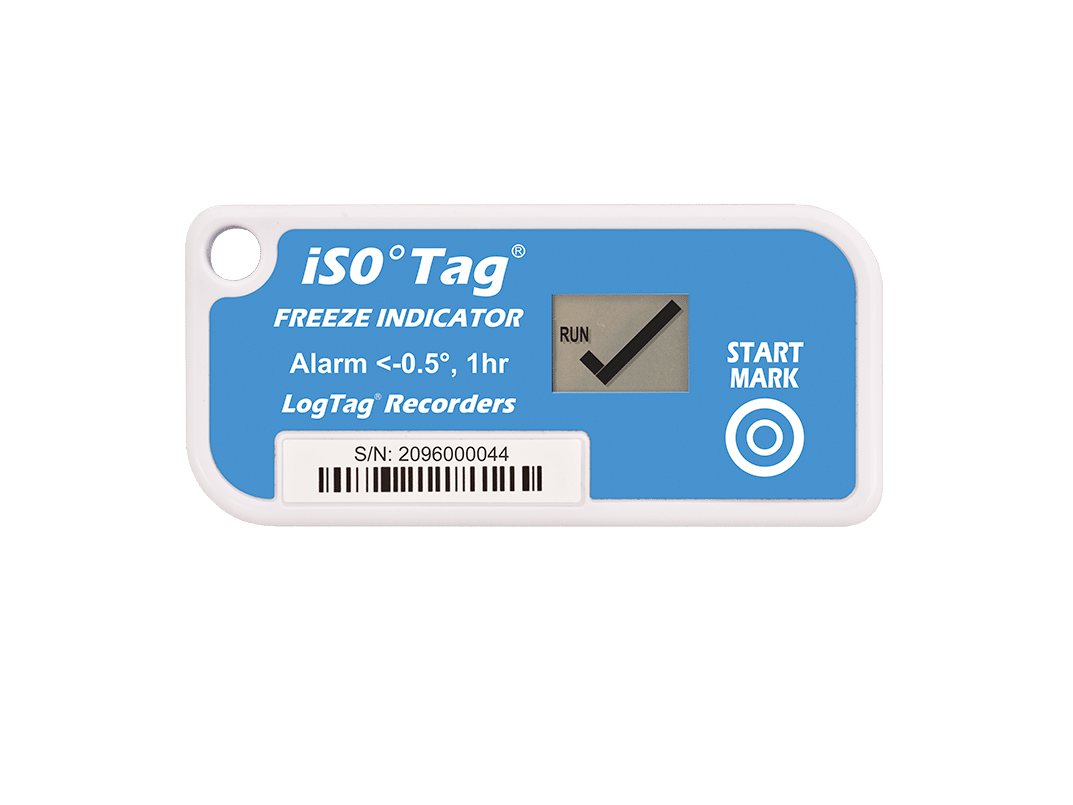
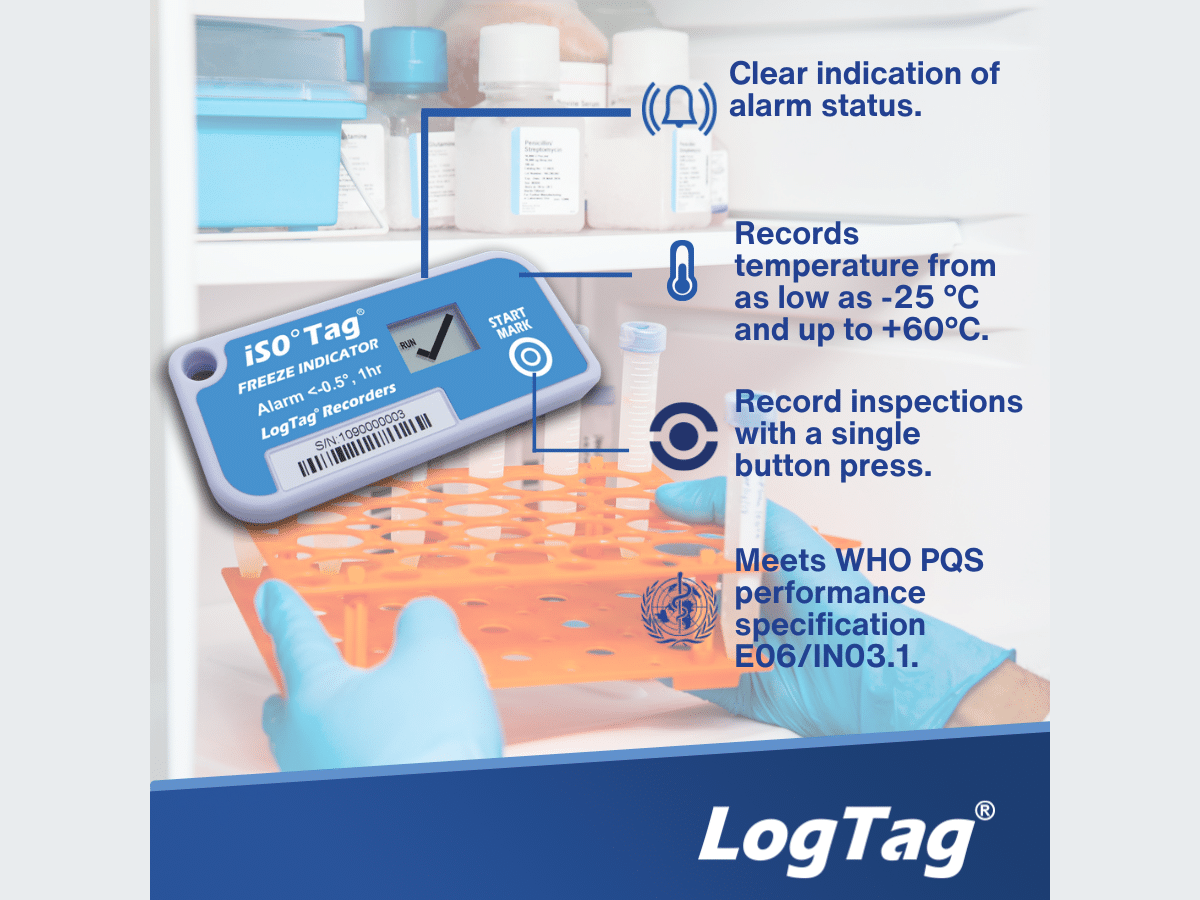
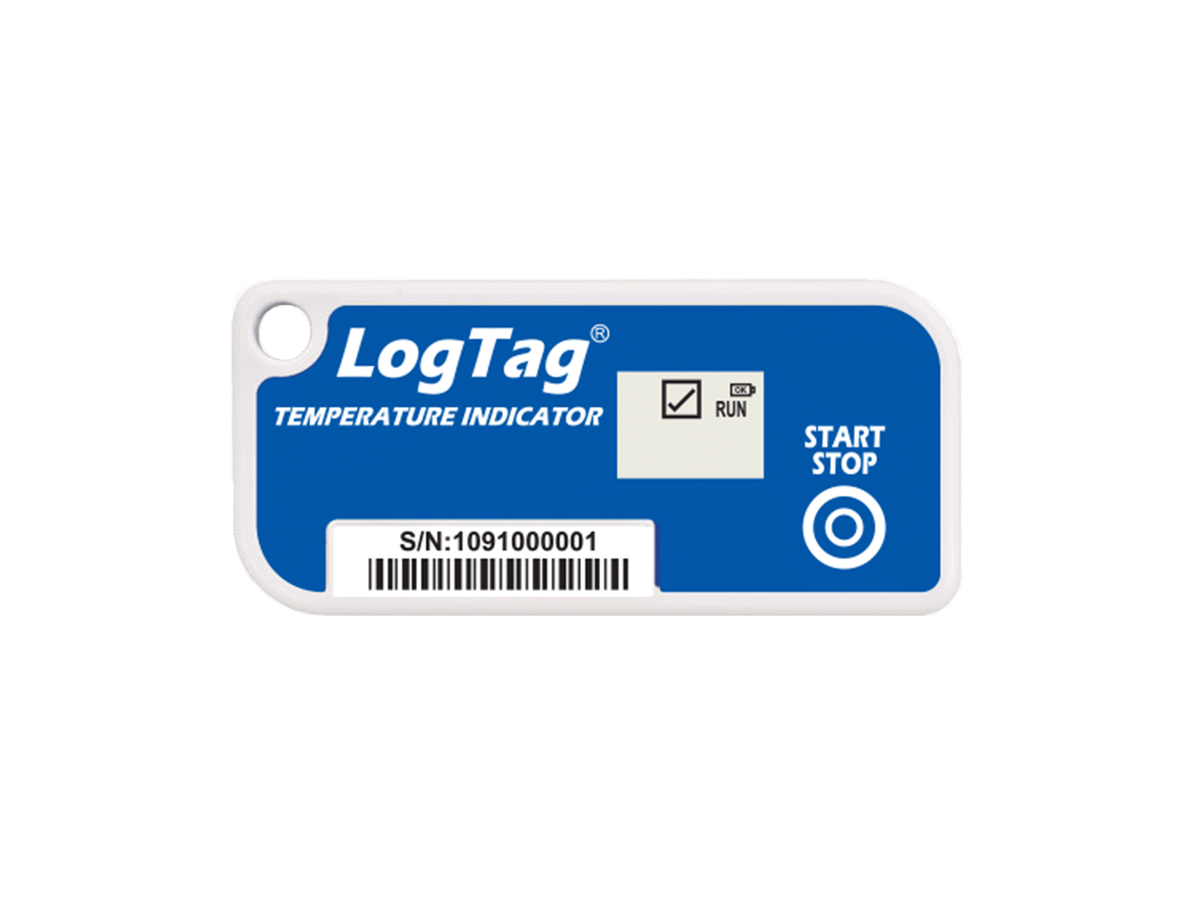
Starting the Indicator Press and hold the START/MARK button. “RUN” will flash. Release button when flashing stops. The Indicator enters factory preset delay or begins taking readings.
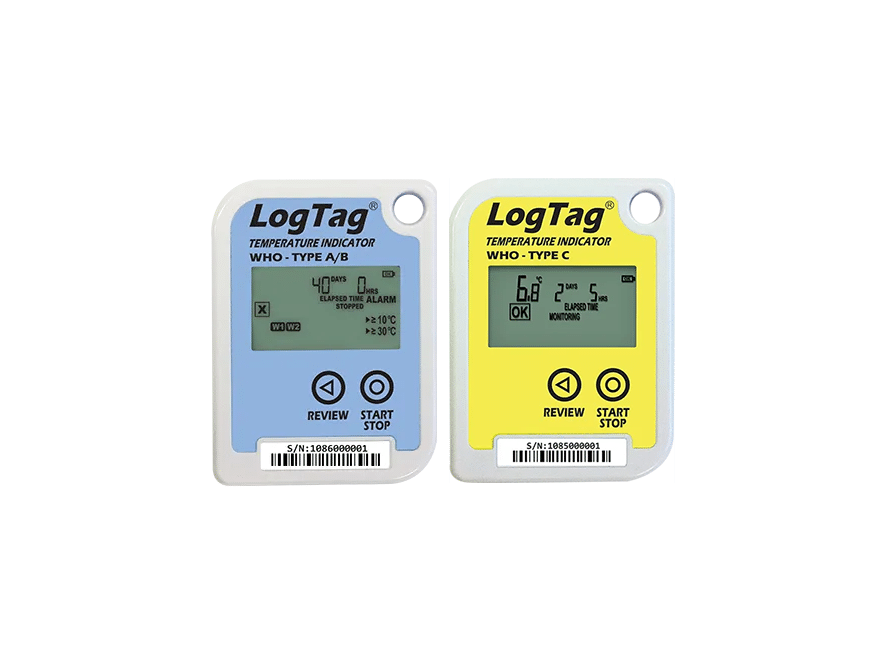
Monitoring When “RUN” appears on the display, the indicator is taking a temperature reading at the pre-configured interval (typically every 5 minutes). If an Alarm oc- curs, the symbol is replaced by an symbol and the cor- responding alarm arrow is also displayed.
Stopping Press and hold the START/ MARK button. First the arrows will flash, then “RUN”. Release button when flashing stops. Indicator also stops when bat- tery is empty or an alarm occurs.
Factory Configurations: LogTag iS0°Tag® can be factory configured to support a range of different monitoring and alarm configurations.
Sampling interval:
5 minutes
Start Delay:
2 hours
Stop button:
disabled
Above temperature alarm:
≥ 10 °C instant
Freezer Alarm:
≤ -1 °C consecutive for 1 hour