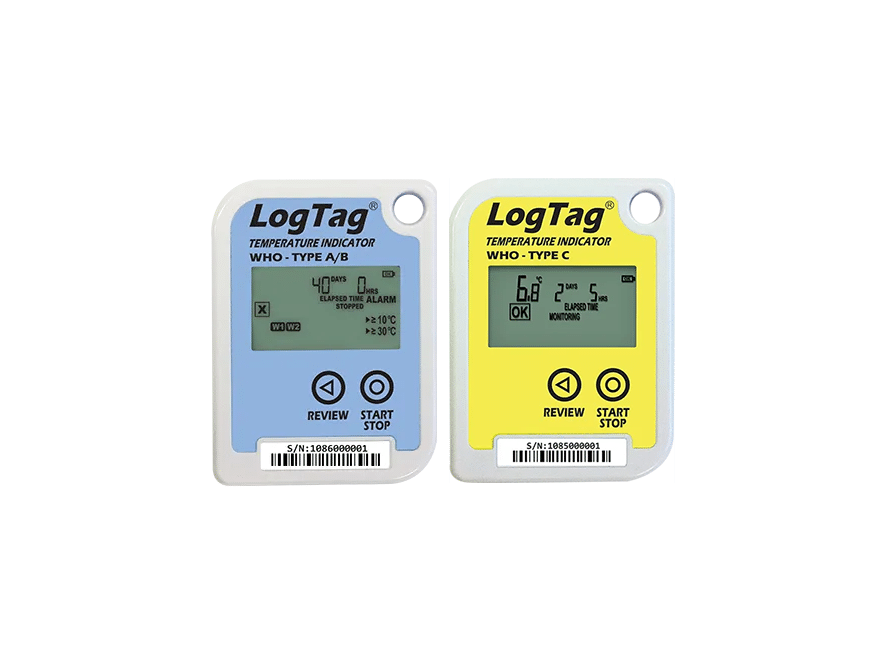
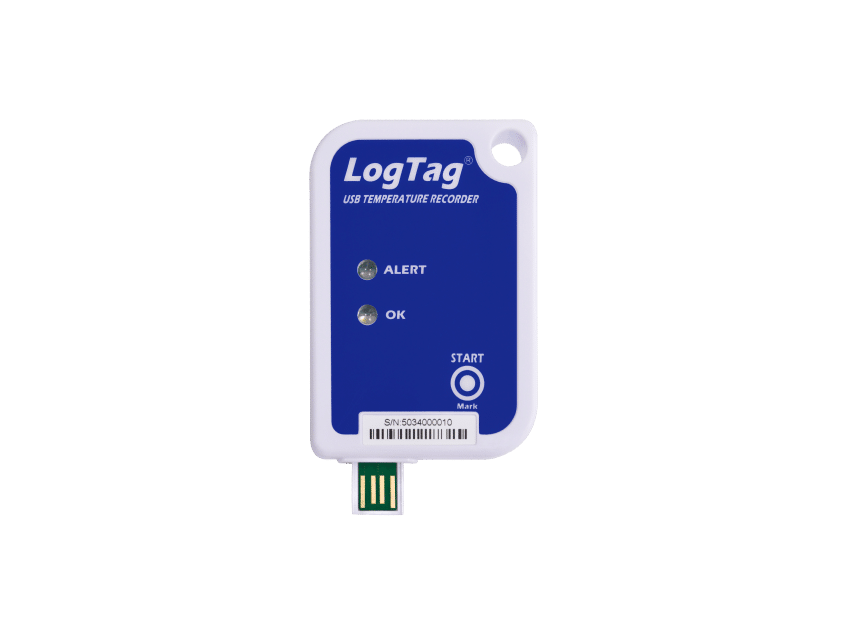
Modes of Operation
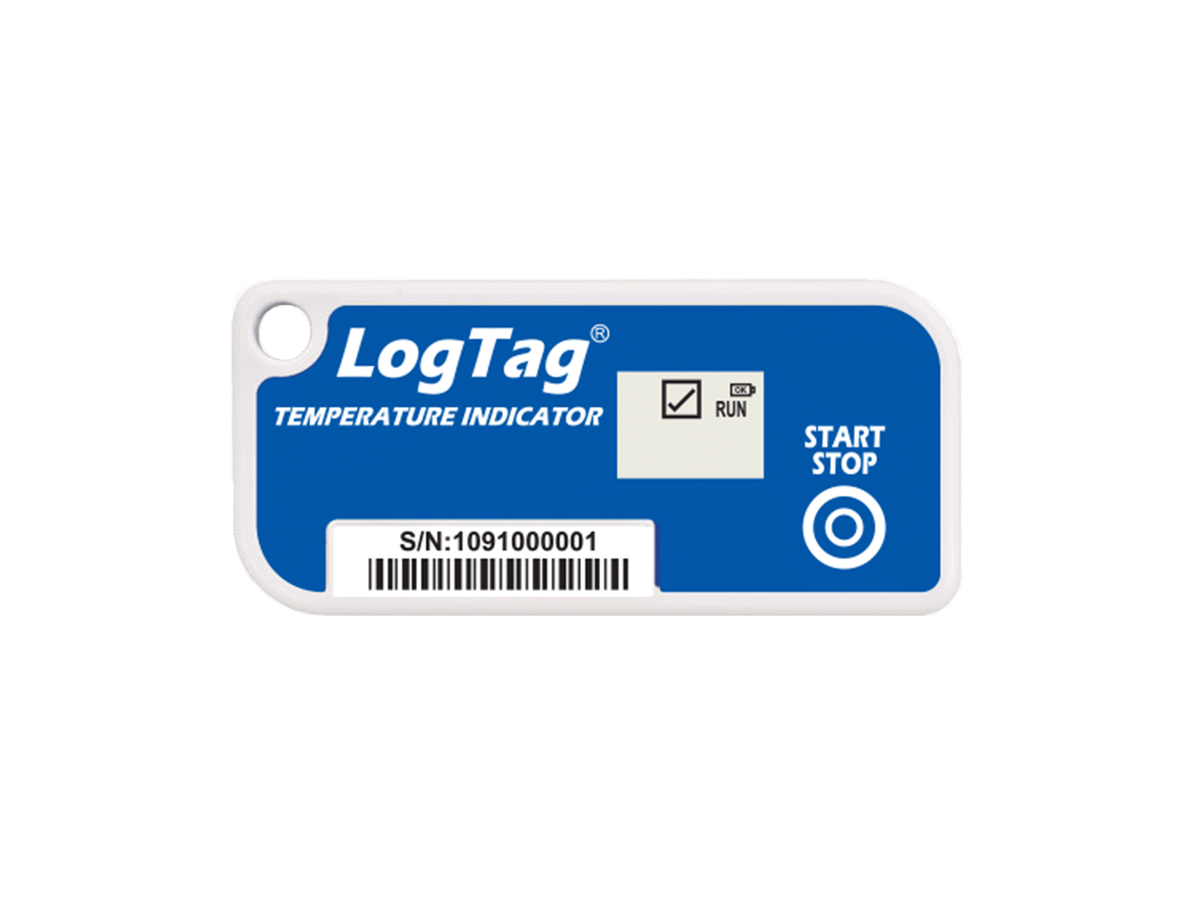
Ready Mode Push the START/STOP button. “Ready” shows that the indicator is ready to be started.
Start delay mode Press and hold the START/STOP button. “RUN” will flash. Release button when flashing stops. The Indicator now begins the preset start delay.
Run Mode “RUN” appears on the display. The indicator is now taking a temperature reading at the factory stipulated interval (typically every 5 minutes). If an Alarm occurs the symbol is replaced by an X symbol and the corresponding alarm limit code (HT1, HT2, LT1 or LT2) is also displayed.
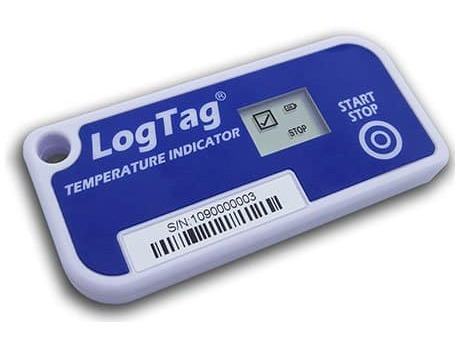
Stopped Mode Press and Hold the START/STOP button. “Stopped” will flash. Release button when flashing stops. The Indicator now no longer takes readings.
Factory Configurations LogTag TICT can be factory configured to support a large range of different monitoring and alarm configurations (see specifications over page for details).
Example configuration
Sampling interval:
5 minutes
Start Delay:
60 minutes
HT1 alarm:
≥10 °C instant
HT2 alarm:
≥ 8 °C accumulated for 8 hours
LT1 alarm:
≤ 2 °Caccumulatedfor 12 hours
LT2 alarm:
≤ 0 °C instant