

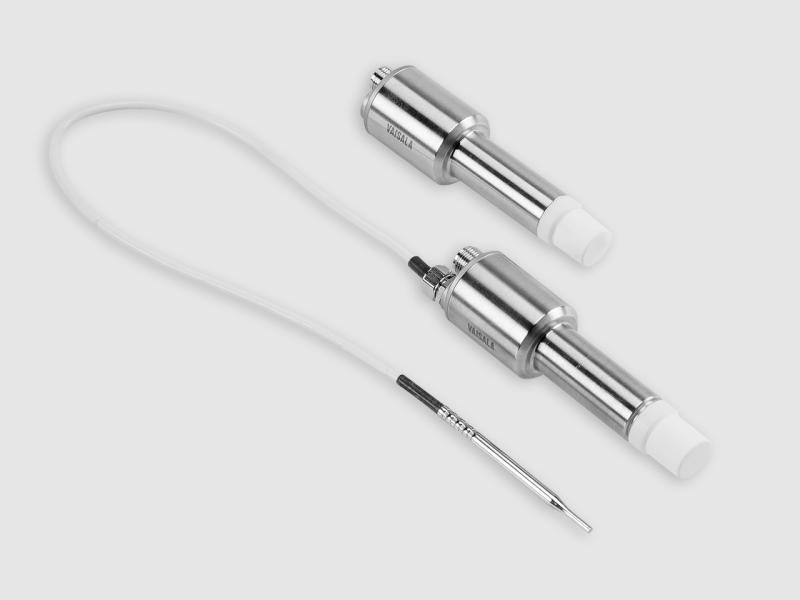
Vaporized Hydrogen Peroxide, Humidity and Temperature Measurement HPP270 Series
for bio-decontamination processes
Technical note
In this video, Vaisala Application Engineer Nevon Mansour demonstrates how to connect and configure the Vaisala HPP272 probe, which is used for vaporized hydrogen peroxide bio-decontamination applications. The Vaisala Indigo500 series transmitters are host devices for Vaisala Indigo-compatible probes. The Indigo500 series includes the Indigo520 and Indigo510 transmitters. In the video below, Nevon is demonstrating with the Indigo520. Please find the transcript below the video.
Transcript:
Hello, my name is Nevon Mansour and I work as an application engineer at Vaisala. Today we're demonstrating how to perform data logging with the Indigo520. We will set up the HPP272 probe as though we are going to do vH2O2 measurements in an isolator. We have the Indigo520, the HPP272, and the temperature sensor TMP1.
From this display you can see that the HPP272 measures hydrogen peroxide vapor concentration, relative saturation, and temperature the TMP1. With the temperature sensor, you can measure temperature from another location. The Indigo520’s data logging feature is available from version 1.13.1 onwards. (See version history.) To achieve data logging, check that your transmitter has that version or later.
Please note that I have already created web interface user. It’s important to do this before you begin to get access to your transmitter with your PC. If you need guidance on updating your software, or creating web interface user, please see the Indigo520 User Guide and we also have a video on configuring the transmitter.
I will create a physical connection between the transmitter and my PC. To do this you need an internet cable and hex key. Use the hex key to open the transmitter.
I connect the Internet cable to the transmitter and my PC. The last thing to do with the transmitter is to activate the web interface – see button labeled “Press to activate Web Interface.” Use a pointy object, like a pen and press the button. You will see that the web interface is activated from the green light above the button.
Let’s now configure the PC to the same IP address as the transmitter. Open your network connections. Double click on the right Internet port and select properties. Choose Internet protocol version 4. Select the radio button: “Use the following IP address”.
You will need to fill the IP address. It is 192.168.5.1. And then click OK. You then open your Web browser in the address (URL) field type: https://192.168.5.20 and then a colon, and 8443. Press “advanced” and proceed. Then you need to log in.
You now see the measurements, and from here you can export the data from this “export data” button at the top right. Choose what kind of log you would like to export, for example 10 minutes, 1 hour, 6 hours etc. Let's use the ten-minute log. Exporting the data might take some time.
Now, when the data is downloaded, you can analyze the data. Here you can see on top some basic information and then below the data for two of the probes. So first you can see for the HPP272. And then we can scroll and see the TMP1 temperature sensor data.
I hope you enjoyed this video! Thanks for watching!
If you have any questions about bio-decontamination with the HPP270 series probes or the Indigo transmitters, please contact us.
White paper: Understanding Critical Measurement Parameters in Vaporized Hydrogen Peroxide Bio-decontamination
for bio-decontamination processes
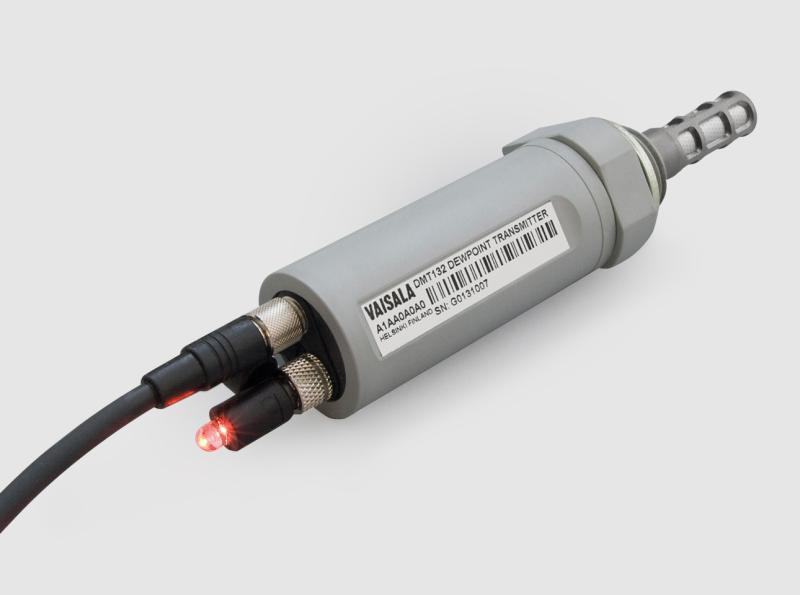
for refrigerant dryers
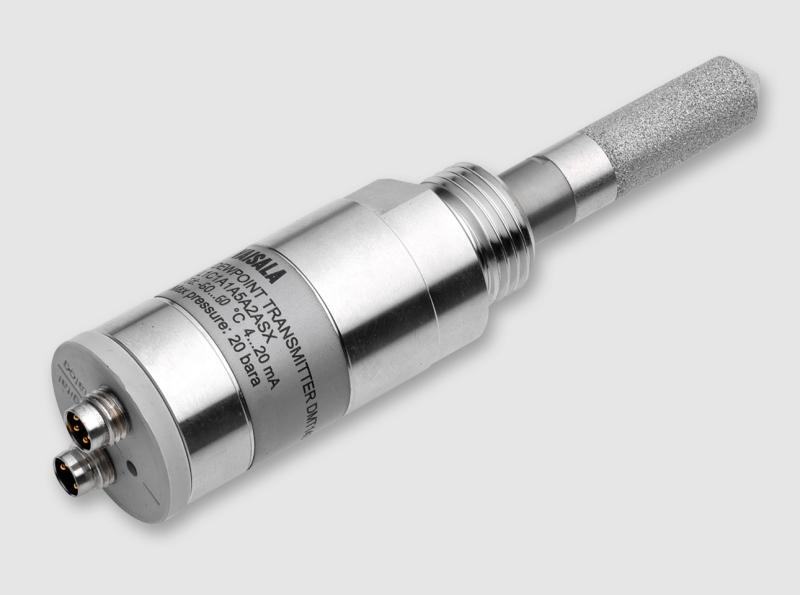
for OEM applications
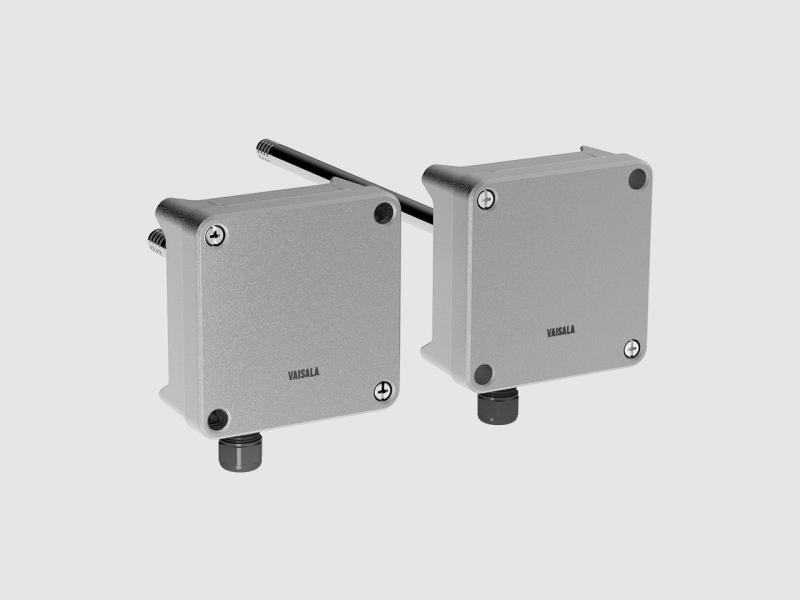
For high precision measurements in demanding HVAC applications
For use up to zone 0 and 20
±1.7%RH wall transmitters with a certificate for demanding HVAC
What relative humidity, dew point, absolute humidity and mixing ratio are, how temperature and pressure distort the reading, and why dew point is…
How humidity behaves in real conditions, the three most common measurement problems, and two practical scenarios —heated air and compressed air—…
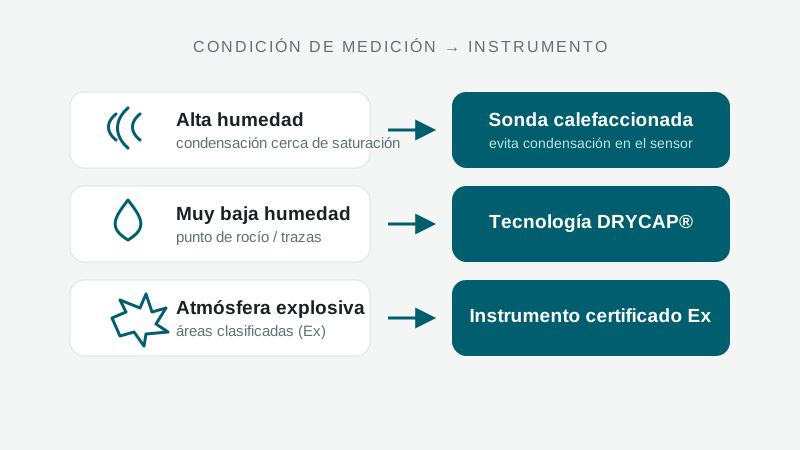
When to measure relative humidity vs. dew point, what high and low humidity demand, how temperature and pressure factor in, and when a warmed probe…

Cooling accounts for up to 40% of a data center's energy demand. This Vaisala guide explains how measurement accuracy cuts costs and risks, with a…
A specialist replies with the solution, the instrument and the service that fit.
Instruments to quote
No instruments yet. An enquiry can be sent anyway: a specialist answers.